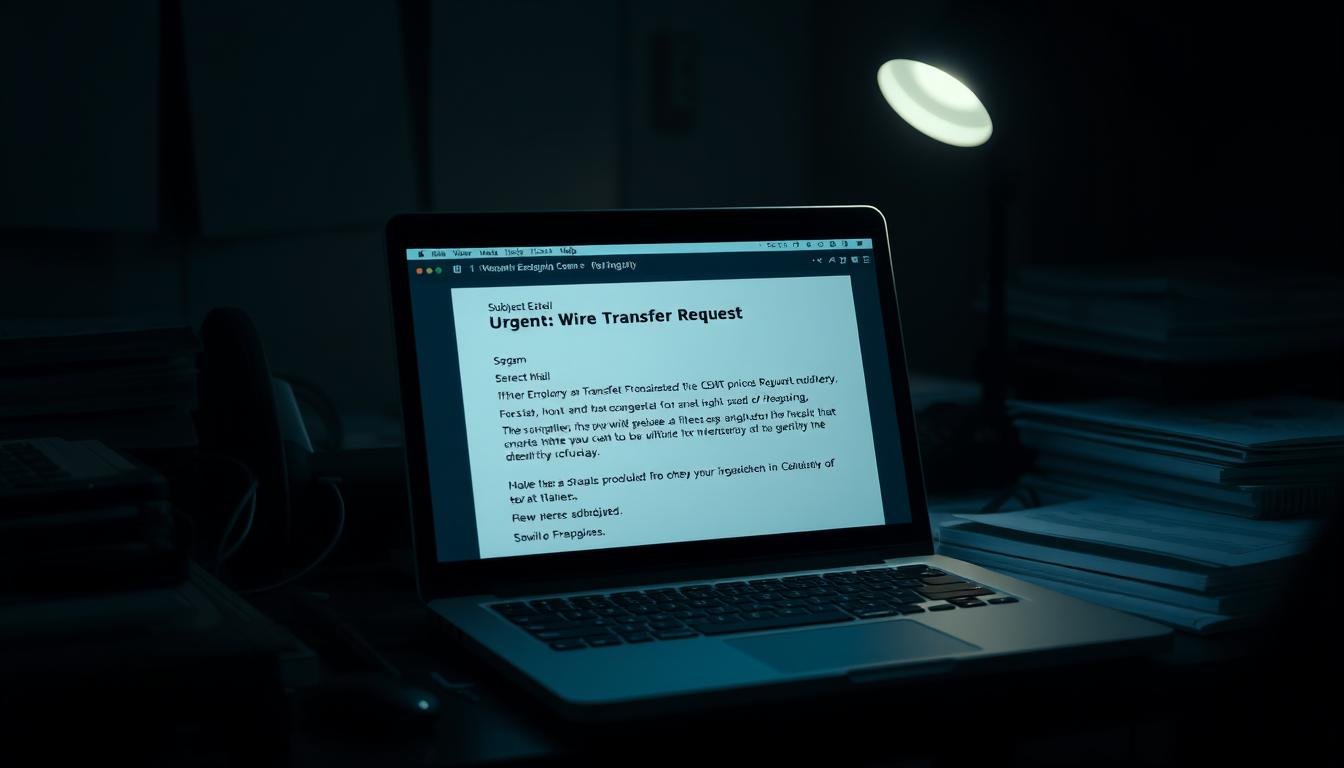
$2.4 billion was lost to business email compromise (BEC) in 2021 — nearly fifty times the losses from ransomware. That number is a sharp wake-up call about how a single convincing email can cost serious money.
We lost funds after one short message asked for a routine vendor change. The note looked normal. It urged speed and secrecy, and someone approved it without verifying the new account details.
This guide shows why targeted BEC, vendor impersonation, and invoice attacks succeed: they mirror everyday tasks and weaponize trust. Traditional security tools often miss them because the message comes from a familiar name or an account that looks real.
Read on to learn how the deception works, the tiny “thing” attackers add that makes a message convincing, and practical verification steps employees and leaders can use right away. For a quick primer on common phishing patterns, see guidance from the FTC at how to recognize and avoid phishing.
Key Takeaways
- BEC attacks exploit urgency and trust, not malware.
- One unchecked approval can cost a company millions.
- Simple verification steps stop most impersonation attempts.
- Finance, HR, and IT must share clear checks and pause rules.
- Train employees to flag odd requests and confirm changes by phone.
The costly reality: why businesses keep falling for deceptively simple email requests
One brief, urgent note can convince good people to bypass normal checks. That pressure is the core tool attackers use: urgency plus faux authority makes a routine request feel like an order.
Urgency and a claimed role—often a CEO or finance lead—short-circuit normal controls. Attackers write terse messages like “need this today” or “don’t call me” to stop verification. Those cues push people to act fast, especially near month-end or close-of-quarter time.
The message anatomy is tidy: a plausible sum, an attached invoice, and a bank-change note framed as housekeeping. It looks normal, so standard defenses miss it because there is no malware to flag.
“Treat every payment-change request as a policy exception until you can verify it by a known phone number.”
What urgency, authority, and “just this once” requests look like
- Urgency: “Approve wire now—vendor demands immediate payment.”
- Authority: Claims from a CEO or director that short-circuit approvals.
- Secrecy: “This is confidential—don’t loop others in.”
Targets include AP/AR, HR, and IT staff who see vendor names and invoices every day. A quick callback to a trusted directory or saved contact breaks the pressure. For more on how targeted spear-phishing preys on small organizations, see spear-phishing risks for small firms.

Business email scam
What makes targeted BEC different and why simple checks beat broad filters.
A convincing, low-friction request often arrives at the moment someone is busiest—and that’s deliberate.
BEC vs. phishing: how targeted social engineering outsmarts mass attacks
Business email compromise is a focused attack where fraudsters impersonate a leader, vendor, or partner to move funds or expose data via email. It relies on context, timing, and relationship signals.
Mass phishing blasts generic messages to steal logins or drop malware. BEC uses precise social engineering: it cites real invoices, names, and cycles so the note looks routine.
The role of human factors—and why security tools alone won’t catch it
Traditional security stacks often miss BEC because there is no malicious attachment or exploit. Alerts stay quiet while the message reads like everyday correspondence.
That makes trained people the last line of defense. Verification routines, dual approval, and a pause-before-pay habit stop most attacks.
- Example: impersonate a vendor, send new routing details, attach a genuine invoice, and pressure AP staff for a quick change.
- Scammers collect org charts, contract calendars, and public signatures to increase trust.
| Feature | Phishing | BEC |
|---|---|---|
| Targeting | Broad | Precision |
| Payload | Malware or credential harvest | Invoice or routing change |
| Detection | Security tools flag anomalies | Often silent to filters |
| Best defense | User caution + tech | Human verification + process controls |

“Verification by a trusted phone number breaks the pressure attackers create.”
For a detailed legal and loss-allocation perspective on these incidents, see this analysis of fraudulent mail and recovery options at allocating loss after a business email.
How BEC scams work: impersonation, spoofing, and account takeover explained
These attacks move from simple tricks to full compromise by combining look‑alike senders, forged headers, and stolen access. The result is messages that appear normal but carry false instructions.
A single swapped character or added underscore can turn a routine request into fraud. Scammers craft near‑identical addresses like VendorOne@work.domain.com versus VendorOne@work_domain.com. That tiny change fools a quick glance.

How do impersonation and look‑alike addresses work?
Impersonation uses small visual edits to the sender line. Attackers swap periods, underscores, or letters (rn vs m) to mimic a trusted address or domain.
- Look‑alikes exploit haste and familiar names.
- Short, plausible domains magnify the effect.
How does spoofing hide forged origins?
With spoofing, headers and the envelope can be forged so a message appears internal. Without strict auth, a spoofed email slips past filters and into an approver’s inbox.
What happens in account takeover?
When attackers gain real mailbox access, the messages show authentic signatures and threads. Only odd wording, new payment details, or a callback reveal that the account was compromised.
| Method | How it looks | Best check |
|---|---|---|
| Impersonation | Near‑identical sender lines | Compare full sender and domain |
| Spoofing | Forged headers, appears internal | Verify SPF/DKIM and ask by phone |
| Account takeover | Real threads, real signature | Out‑of‑band confirmation and MFA logs |
“Treat routing or payment changes as high risk until independently verified.”
Spotting the scam in time: step-by-step verification before you send money
A calm, deliberate pause is the single best defense when a payment request arrives. Take time to verify, and treat routing or payroll changes as high risk until confirmed by an independent channel.
How do I control the impulse when a message demands urgency or secrecy?
Stop. If a request feels rushed or private, hit a hard stop. Walk away for a few minutes. That short pause breaks the pressure attackers rely on.
How should I confirm through a second channel I independently verify?
Call a known phone number from your directory or vendor contract. Do not use the number or contact in the suspicious emails.
If voice isn’t possible, message via an already‑trusted chat (Teams/Slack). Experts Larson and Tokazowski note attackers may register near‑match numbers, so confirm the number independently.
What checks should I perform on sender details and domains?
Verify the full email address, display name, and reply‑to for mismatches.
Paste the sender’s domain into a browser. If the site is missing or looks odd, treat the change as suspect. Use vendor paperwork or whois data for added information.
- Start with a hard stop: pause when an urgent payment request arrives.
- Use a second channel: call a trusted phone or message a saved contact; never trust numbers inside the suspicious message.
- Validate independently: confirm the number or address from contracts or your directory.
- Challenge changes: any “change direct deposit” or new beneficiary must trigger a callback before touching account data.
- Document and escalate: log who you contacted and alert IT/finance if you confirm a scam; follow guidance like Microsoft’s anti‑phishing steps and tips on stopping phishing from reaching your inbox.
“Verify out‑of‑band, every time, before irreversible payments—this single habit prevents most BEC scams.”
Common BEC playbooks your team must recognize
Fraudsters stage urgency around real events—payroll runs, month‑end closes, and travel days. Recognizing the playbook helps teams stop harm before money leaves the account or sensitive files are exposed.

CEO fraud and executive impersonation
CEO impersonation pressures staff to wire funds or hand over W‑2s. Attackers discourage callbacks and use short, authoritative notes so people act fast.
Fake invoices and vendor banking changes
A forged “bank update” with a true-looking invoice moves funds to a mule account. Always confirm new beneficiary details by calling a known vendor number—not the one in the suspicious message.
Payroll diversion and direct deposit requests
Payroll diversion begins as an employee‑style request to change direct deposit. Verify any direct deposit information change by phone or HR portal before updating payroll.
Data theft via HR and finance targets
HR and finance hold lists and W‑2s that fuel later attacks. Treat bulk data or roster requests as high risk and require manager sign‑off.
Gift card requests and serial numbers
Attackers ask staff to buy a gift and send serials. Serial numbers are effectively cash—traceback and recovery are unlikely. Treat any card request as a red flag.
| Playbook | Typical goal | Quick defense |
|---|---|---|
| CEO impersonation | Urgent wire or sensitive records | Out‑of‑band callback to known number |
| Vendor banking change | Redirect payments to mule account | Dual approval + vendor contract verification |
| Payroll diversion | Change direct deposit for theft | HR verification via employee file and phone |
| Data theft (HR/Finance) | Harvest records for future fraud | Manager approval + minimal data sharing |
“Pause and verify: a quick call stops most compromise attempts.”
Prevention that works: controls, training, and tooling to reduce risk now
Small technical choices—where you host accounts and how you require sign‑ins—determine risk more than any single training session. Layered controls, clear checks, and tooling stop most compromise attempts before they reach payables.

Own your identity: host critical workflows on your domain and deploy secure email gateways to block spoofed messages at the perimeter. Strong spam filters reduce noisy threats so analysts focus on real risks.
Harden access: enforce MFA/2FA and conditional access on email and finance apps. Watch for impossible travel and odd sessions; these signals catch unauthorized access early.
- Dual control: require separate initiator and approver for wires/ACH and mandate an out‑of‑band callback to the vendor phone number on file before any beneficiary change.
- Admin hygiene: restrict forwarding rules, monitor OAuth grants, and limit service account permissions used by finance tools.
- Simulate and train: run tailored simulations and social engineering workshops; coach employees who fall for tests to raise overall resilience.
Operationalize defenses: standardize a one‑page payment checklist, enable bank positive‑pay/ACH filters, and align payment cutoffs so last‑minute requests hit stronger review gates.
“A pause backed by verification and tooling defeats most compromise scams.”
For advanced protection, consider vendor solutions for BEC and EAC protection that combine gateways, user education, and detection to reduce fraud and strengthen security.
Real losses, real lessons: recent BEC scams and what they teach
These incidents show how process gaps and timing let attackers convert routine payments into theft. Learn the patterns so you can spot and stop them.
When ordinary payment workflows meet crafted deception, the result can be millions lost.
Municipal and nonprofit targets face special risk. Peterborough, NH lost $2.3M in 2021 after paying forged invoices; funds moved to crypto and were unrecoverable. A San Francisco nonprofit lost $650K when attackers impersonated a contractor. Lean teams and mission pressure make these groups prime targets.
Global enterprises: vendor impersonation at massive scale
Large companies are not immune. Toyota Boshoku (Europe) reported about $37M lost after account details were altered. Between 2013–2015, one fraudster stole over $120M from Google and Facebook with forged supplier invoices.

Timing and tactics: why Fridays and holidays are prime time
Attackers pick moments that compress verification. Fridays, closings, and holidays create time pressure that pushes staff to approve changes without a callback.
“Out-of-band verification before funds leave is the single habit that prevents most losses.”
| Case | Loss | Method | Key lesson |
|---|---|---|---|
| Peterborough, NH | $2.3M | Forged invoices → crypto | Public vendor processes need strict callbacks |
| Toyota Boshoku (Europe) | ~$37M | Altered account info | Dual control and contract checks stop vendor edits |
| Facebook / Google example | $120M+ | Supplier impersonation | Verify vendor details beyond thread context |
| Treasure Island (nonprofit) | $650K | Contractor impersonation | Lean teams must adopt strict payment pause rules |
- Recovery is limited: once money converts to crypto or mule rails, it’s often gone.
- Controls work: confirmed callbacks, dual approvals, and leader sponsorship (including the CEO) close the gap attackers exploit.
Conclusion
A simple two-minute check often costs attackers the window they need. Regular verification and clear rules protect funds and data more than any single tool.
Reinforce defaults: host critical workflows on your corporate domain, enforce 2FA, tighten account access, require dual control for wires/ACH, and mandate out‑of‑band callbacks for high‑risk requests.
Train people to confirm the full email address, domain, and reply‑to, then call a known phone number. Treat any “change direct deposit” or direct deposit information update as high risk.
Report incidents quickly to the FBI IC3, notify banks, and preserve logs. Vigilance, simple process checks, and consistent response make BEC and email compromise scams far less effective.
