
Can a single misconfigured mail host cost a business millions—and still look normal to users? That question matters now because attackers use email as the main entry point. Verizon reports 94% of malware arrives via messages, and IBM found the average U.S. breach cost reached $10.22 million in 2025.
This introduction shows real risk and clear outcomes. Follow practical, layered defenses that harden hosts, authenticate senders, and encrypt transport. Expect measurable gains in deliverability and resilience.
What you will get: reproducible settings for TLS and certificate handling, SPF/DKIM/DMARC checks, hardened configuration, monitoring tips, and verification steps that run without guesswork.
Key Takeaways
- Layer defenses: combine TLS, auth records, filtering, and MFA.
- Measure results: run SSL Labs, MXToolbox, and header checks.
- Reduce risk fast: practical controls that avoid downtime.
- Who benefits: MSPs, IT admins, small-business owners, and enthusiasts.
- Repeat verification: build checks into audits and change control.
Why does email security matter now, and what are the risks, costs, and evolving threats?
In 2025, inboxes are the frontline: phishing, business email compromise, and malware now move at machine speed. The immediacy of messages plus smart crafting makes social attacks more convincing. AI scales deception, and human error widens the blast radius.
94% of all malware arrives via messages. That stat forces action: layered controls reduce entry points and limit impact. Misconfigured SPF, DKIM, or DMARC lets spoofing and BEC succeed. Hidden forwarding rules and app passwords let attackers persist inside accounts.
- Business impact: The average U.S. breach hit $10.22 million in 2025, affecting data, clients, and operations.
- Compliance risk: Poor logging and retention break HIPAA, SOX, or GDPR obligations for U.S. providers and branches.
- Controls that matter: MFA, TLS encryption, auth records, server hardening, SIEM/XDR, training, and testing.
| Threat | Typical outcome | Control |
|---|---|---|
| Phishing / AI-driven scams | Credential theft, BEC | MFA, user training, filters |
| Malware via attachments | Ransom, data theft | Sandboxing, TLS, attachments policies |
| Misconfigurations | Deliverability loss, spoofing | SPF/DKIM/DMARC, DNS audits |
Pragmatic directive: map risks to controls, measure results, and run continuous monitoring with SIEM/XDR. Combine technical hardening with human testing and clear metrics.
What should you prepare before securing your environment, DNS, providers, and access?
Start with a clear inventory: list domains, MX targets, and any external services that send or relay messages.
Inventory assets — catalog domains, subdomains, MX targets, on‑prem relays, and third‑party services like Microsoft 365, Google Workspace, or SendGrid.
Prerequisites — ensure a fully qualified domain name (FQDN) mapped with A and MX records, and DNS access for TXT entries (SPF, DKIM, DMARC). Confirm root/sudo rights and control over firewall and load balancer rules.
- OS hygiene: run apt update/upgrade, confirm Postfix, Dovecot, Amavis, and OpenSSL versions, and reboot if required.
- Certificates: plan cert paths for Postfix/Dovecot; use certbot for Let’s Encrypt automation and renewal.
- Backup baseline: snapshot configs, mailbox backups, encrypted retention, and restore tests.
- Change control: schedule maintenance windows, rollback checkpoints, and user communication templates.
- Verification methods: openssl s_client checks, SSL Labs, MXToolbox, and header inspections for SPF/DKIM/DMARC.
How do you harden access and enable layered security in a step-by-step guide to secure your email server?
Lock down who can get in, verify what can send, and strip out anything you don’t need. This sequence reduces easy wins for attackers and raises your baseline instantly.
Harden access: MFA, RBAC, monitoring
Enforce multi-factor authentication for admins, service accounts, and users. Remove shared credentials and rotate secrets regularly.
Apply role-based access control so each identity has least privilege. Require jump hosts or VPN for admin work.
Turn on continuous login monitoring and alert on failed logins, geo-velocity spikes, and new device enrollments.
Enable layered protections: auth records and TLS
Publish SPF, DKIM, and DMARC early and move policies from none → quarantine → reject after reviewing reports. Require TLS in transit and validate certificates.
Reduce attack surface: protocols and services
- Disable legacy protocols (SSLv2/3, TLS 1.0/1.1) and plaintext auth.
- Turn off unused services and anonymous relays; enforce CIS-aligned baselines and record changes in a log.
- Integrate telemetry with SIEM/XDR to correlate brute force with endpoint indicators for faster response.
Establish a review cadence for access rights and remove stale permissions. These practices form a practical set of security measures that cut phishing risk and reduce attack surface for the mail server.
How do you encrypt communications and data with TLS, STARTTLS, E2EE, and strong certificate management?
Transport-layer safeguards stop most interception, while end-to-end cryptography prevents provider-side exposure.
Encrypt every hop and, when needed, lock message bodies with S/MIME or PGP.
Transport protection starts with valid certificates and strict TLS settings. Use Let’s Encrypt plus certbot for free issuance; for tests, self-signed certs are acceptable. Run certbot in standalone mode if port 80 conflicts, then restart other services.
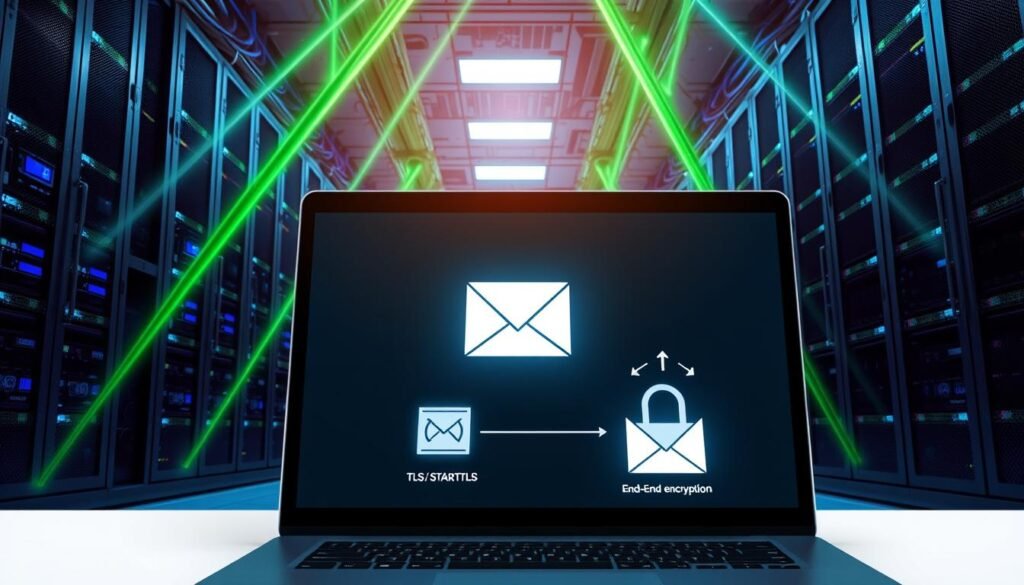
Configure Postfix main.cf with fullchain.pem and privkey.pem, set smtpd_use_tls=yes, and require smtpd_tls_auth_only=yes to block plaintext credentials. In Dovecot’s 10-ssl.conf enable ssl=yes and point ssl_cert and ssl_key at issued files. Automate renewal with cron and a post-hook: certbot renew –post-hook “systemctl reload postfix dovecot”.
- Protocols and ciphers: disable SSLv2/3 and TLS 1.0/1.1; prefer TLSv1.2+ and HIGH cipher suites; exclude RC4, MD5, and EXPORT.
- Validation: test with openssl s_client and SSL Labs. Fix any downgrade vectors or chain issues they report.
- End‑to‑end options: use S/MIME or PGP for regulated content; train recipients on key handling and signature checks. Note that transport TLS still exposes metadata like headers.
Monitor certificate inventory and set expiry alerts. Track issuance and test renewals with dry runs. These practices reduce man-in-the-middle risks and lower chances of data theft or service outages.
How do you get email authentication right with SPF, DKIM, and DMARC for deliverability and anti-spoofing?
Authenticate every message so receiving systems can trust who sent it. Start with SPF to declare permitted senders, add DKIM signatures for integrity, then enforce DMARC once reports confirm coverage.
First, lock down which systems may transmit for your domain; next, sign outbound mail so recipients can verify origin.
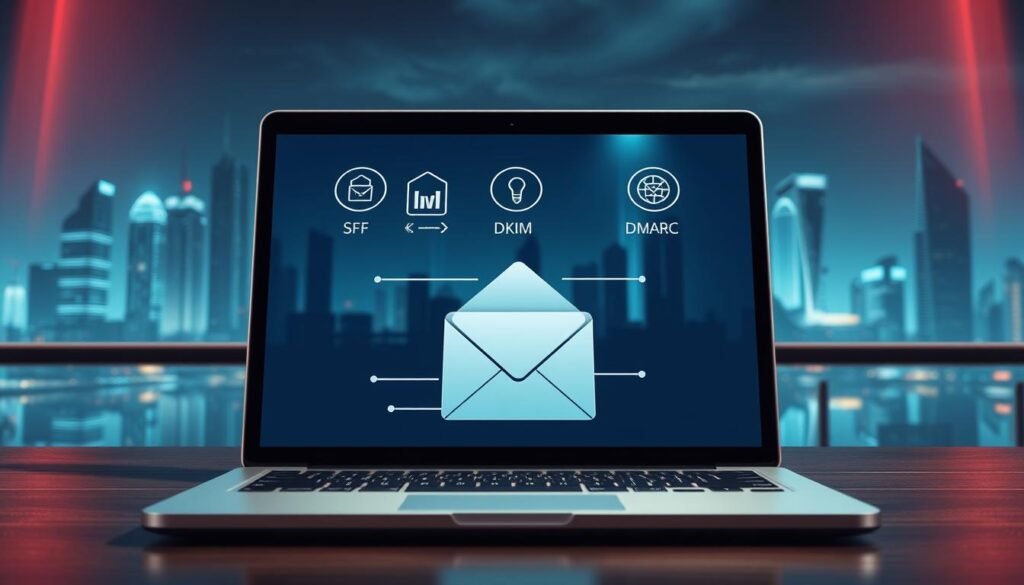
SPF scope and syntax: authorize legitimate senders and services
SPF defines outbound sources using TXT records (v=spf1 … -all). Include on‑prem IPs and provider includes like include:_spf.google.com. Use -all only after tests.
DKIM key management: signing, rotation, and DNS publishing
Generate private keys with amavisd-new genrsa and add selectors in amavisd.conf. Publish public keys under dkim._domainkey as TXT. Protect private keys with strict file permissions and rotate selectors on a schedule.
DMARC policies and reports: move from none to quarantine/reject
Create _dmarc TXT with v=DMARC1, p=none, and rua/ruf addresses. Review aggregate reports weekly using tools like DMARC Analyzer or MXToolbox, fix gaps, then shift to p=quarantine and finally p=reject.
- Verify with amavisd-new showkeys/testkeys and confirm “DKIM=pass” in headers.
- Align aspf/adkim before enforcing strict policies.
- Monitor after service changes and keep SPF lookup counts low.
| Record | Purpose | Key action |
|---|---|---|
| SPF | Authorize senders | Create v=spf1 with includes and end with -all when ready |
| DKIM | Sign messages | Generate keys, publish selector TXT, rotate keys |
| DMARC | Enforce policy & collect reports | Start p=none with rua/ruf, review reports, move to reject |
What server hardening, monitoring, and threat detection should you put in place?
Standardize your build, keep it patched, and centralize visibility. With a CIS‑aligned baseline and SIEM/XDR integration, you’ll catch issues earlier and respond faster.
Establish a repeatable build standard, then monitor logs continuously for signs of misuse.

Baseline configuration: CIS-aligned settings, patch cadence, and change control
Enforce a hardened baseline: disable unused daemons, restrict admin shells, set secure file permissions, and lock down sudoers.
Patch fast. Keep OS, MTA, OpenSSL, and anti-malware up to date. Test updates in staging and maintain monthly cadence or faster for critical fixes.
Centralized visibility: logs, SIEM/XDR integration, and alerting
Turn on verbose logging for auth events, mail queues, relay behavior, and config changes. Forward logs to SIEM and create alerts for brute force, unusual send volumes, new forwarding rules, and policy changes.
| Control | Purpose | Action |
|---|---|---|
| CIS baseline | Reduce misconfigurations | Harden images; disable services |
| Patch cadence | Close CVEs | Monthly tests; emergency hotfixes |
| SIEM/XDR | Correlate events | Forward logs; tune alerts |
| Change control | Safe updates | Ticket, peer review, rollback |
How do you filter spam and malware—and train users to stop phishing?
Let smart filters catch the obvious and the sneaky, then train people to spot what gets through. Blending technology and habits cuts successful phishing to a minimum.

Advanced filtering: AI-driven detection, sandboxing, and outbound controls
Use AI/ML gateways that scan headers, URLs, and attachments. Enable URL rewriting and open attachments in a sandbox before delivery.
Centralized management and automated removal can clear malicious messages from inboxes fast. Vendors report near-complete blocking rates; Proofpoint-backed solutions are widely adopted by Fortune companies.
Apply outbound controls that limit sending rates and block suspicious accounts. This protects domain reputation and halts attacker campaigns early.
Security awareness: simulations, reporting culture, and measurable improvement
Run short phishing simulations each quarter. Coach users who click and reward fast reporting.
Make reporting easy: add a “Report Phish” button that routes incidents to security. Give quick feedback so people learn from errors.
Track click rate, report rate, mean time to remediate, and training completion. Share trends with leadership and tune policies based on results.
| Feature | Benefit | Action |
|---|---|---|
| AI/ML filtering | Detects novel threats | Enable adaptive models; review false positives weekly |
| URL & attachment sandboxing | Stops malware and credential theft | Route suspicious content for detonation then quarantine |
| Outbound controls | Prevents compromised accounts | Throttle sends; block bulk anomalies |
| User simulations & reporting | Reduces phishing clicks | Quarterly tests; coaching; reward program |
How do you build on‑prem resilience and continuity with segmentation, isolation, backups, and recovery?
Don’t let one compromise become many. Network segmentation, controlled admin paths, and tested backups keep outages contained and recovery fast.
Design for containment: isolate mail infrastructure so breaches stay local and recoveries stay fast. Place systems in dedicated VLANs or subnets and scope ACLs tightly. Allow only required protocols and known peers.
Network controls: VLANs, ACLs, jump hosts, and least privilege
Require admin access via hardened jump hosts or VPNs. Block direct public exposure and enforce least privilege for accounts and service credentials.
Inspect east‑west and north‑south flows. Alert on spikes, new destinations, or denied traffic bursts. Keep hosts patched and test updates in staging before wide rollout.
Backup strategy: encrypted, off-site storage, test restores, and runbooks
Automate encrypted backups for mailboxes, configs, and keys. Replicate backups to an off‑site region or separate provider. Encrypt data in transit and at rest.
Run periodic restore drills, including full‑instance or bare‑metal recovery, and validate RPO/RTO. Maintain clear runbooks with contacts, commands, validation checks, and fallback decisions.
| Control | Why it matters | Practical action |
|---|---|---|
| Segmentation | Limits lateral movement | VLANs, scoped ACLs, limited peers |
| Admin paths | Reduces exposure | VPN/jump hosts, MFA, audited access |
| Backups | Ensures recoverability | Automate, encrypt, replicate off‑site |
| Restore drills | Proves readiness | Periodic tests, update runbooks |
| Dependency mapping | Speeds triage | Map DNS, directory, storage, NTP |
Review third‑party integrations and scanning appliances that relay mail; enforce least privilege and secure update channels. For practical data leakage controls, see this resource: prevent data leakage.
Conclusion: What should you do next to keep your email server secure and resilient?
Make layered controls part of your operational rhythm and test them often. Enforce MFA, publish and verify SPF/DKIM/DMARC, require strong TLS/STARTTLS, and keep CIS baselines patched and audited.
Turn policies into repeatable checks. Centralize logs in SIEM/XDR, deploy AI filtering with sandboxing, and train accounts with short phishing simulations. Segment on‑prem networks, use VPN or jump hosts for admin paths, and keep encrypted backups with tested runbooks.
Publish KPIs and rehearse the incident playbook. Track click rates, mean time to remediate, DMARC alignment, and rotate keys quarterly. Present progress to stakeholders and schedule quarterly reviews to reduce risk and protect data, messages, and accounts.
