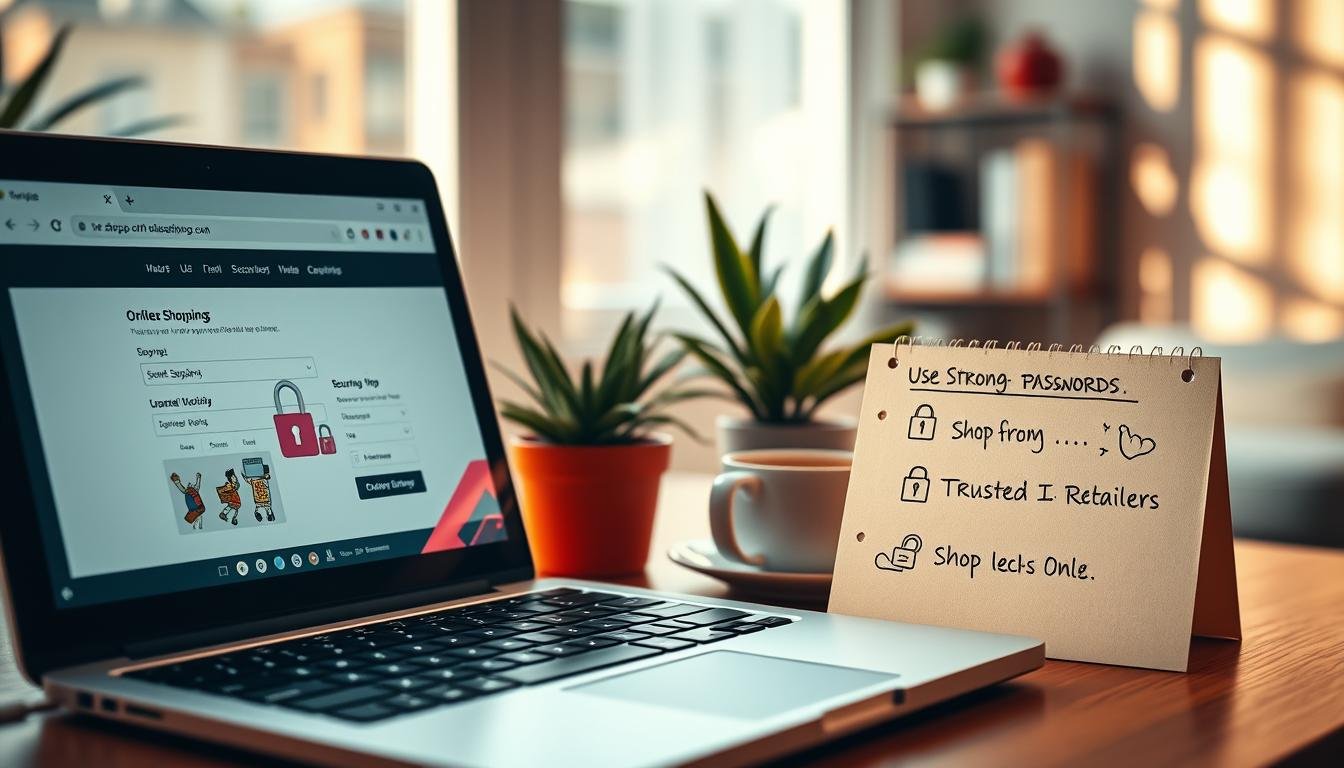
Can a quick deal cost you your identity—and what simple steps stop that from happening?
Buying goods on the web is fast and convenient, but security means more than low prices. Confirm delivery timelines, warranties, and return policies before you click. Check for HTTPS and the lock icon before entering any personal or financial information.
Make sure your device runs a current security suite and that you use an encrypted connection with your firewall enabled. Prefer credit cards or PayPal for stronger fraud protection and consider a single card reserved for purchases.
Verify unfamiliar retailers by reading independent reviews and looking for clear contact and shipping terms. Learn quick checks to spot cloned pages or deals that are too good to be true, and use tracking and alerts after purchase to protect your identity.
Key Takeaways
- Confirm delivery, warranty, and return terms before buying.
- Use encrypted Wi‑Fi, an active firewall, and up‑to‑date security software.
- Prefer credit or PayPal for better fraud protections.
- Verify unknown retailers via independent reviews and clear policies (FTC guidance).
- Watch for cloned sites and phishing; learn common attack types to defend your info (common cyber attacks).
Understand the risks and your goal: shop smarter, safer, and with confidence
Make quick checks that cut most risk and save time. Build a short routine that you run before any purchase. This keeps buying fast and reduces chances of losing money or facing identity theft.
Holiday traffic brings extra fraud. Scammers prey on urgency with unbelievable prices or countdowns. Compare offers and pause if a price looks like an outlier. Be skeptical of emails, texts, or social ads asking for personal data—phishing is common.
Set up transaction alerts and review statements regularly. Alerts catch odd charges fast. Consider freezing credit at Equifax, Experian, and TransUnion to block new‑account fraud; it won’t hurt your credit score.
| Action | Why it helps | How long it takes |
|---|---|---|
| Price comparison | Exposes counterfeit or scam outliers | 1–2 minutes |
| Check URL & HTTPS | Confirms site legitimacy and encrypts data | 30 seconds |
| Enable transaction alerts | Detects unauthorized charges quickly | 5 minutes to set up |
| Freeze credit reports | Blocks new‑account fraud without score impact | 10 minutes online |
For a deeper guide on protecting web purchases and securing accounts, see our practical checklist at secure web application guidance.
Secure your connection and devices before you buy
Lock the connection and keep devices current to cut most risks before checkout. Small configuration steps save time and stop attackers probing for easy entry points.
Avoid public Wi‑Fi for payments; use an encrypted home network and enable your firewall.

Why your network and device settings matter
Buy over your home network, not a coffee‑shop node. Encrypted Wi‑Fi and an active firewall block local snooping on your information.
If you must purchase while away, wait until you return home or use a cellular connection with the vendor app. Public Wi‑Fi is high‑risk for payments.
Keep software and protections up to date
Update your operating system, browser, and security suite constantly. Patches close holes criminals attack across the web.
- Enable automatic updates to save time and reduce human error.
- Confirm the lock icon and HTTPS on any checkout site before entering payment or personal data.
- Use a modern security suite with anti‑phishing and identity safeguards to protect your data.
Turn on firewalls, disable unused services, and keep work and personal devices separate when possible. Back up files regularly so malware doesn’t force costly choices. These steps keep you safe online and reduce common points of failure during shopping.
Verify retailers and websites to avoid scams
A convincing storefront can still be a trap; check the technical and contact details before you pay. These quick checks expose cloned pages, bogus sellers, and offers that promise more than they deliver.

How to spot certificate and domain problems
Inspect the URL: make sure the site uses HTTPS, shows a lock, and matches the brand domain. Watch for swapped letters, extra words, or odd top‑level domains.
Research the merchant
Look up independent reviews and the Better Business Bureau listing. Verify a physical address and a working phone number. Call to confirm returns or warranty if uncertain.
Watch for clones and unrealistic pricing
Compare prices with major sellers. A too‑good‑to‑be‑true or “good true” deal often signals counterfeits or non‑delivery. Never enter credit details on pages that trigger certificate warnings.
- Be cautious with unfamiliar websites and stores found via ads.
- Type major brand URLs yourself instead of following ads or bookmarks.
- Read recent comments, not just star ratings.
| Check | What to look for | Action |
|---|---|---|
| Certificate | HTTPS + lock, no warnings | Cancel if certificate errors appear |
| Domain | Exact brand name, no extra hyphens | Type URL manually or use bookmark |
| Contact info | Valid address and phone number | Call to verify returns policy |
| Reputation | Independent reviews and BBB records | Skip merchants with poor feedback |
For holiday and seasonal guidance, see this short primer on avoiding scams when shopping for gifts.
Safe online shopping tips for payments and checkout
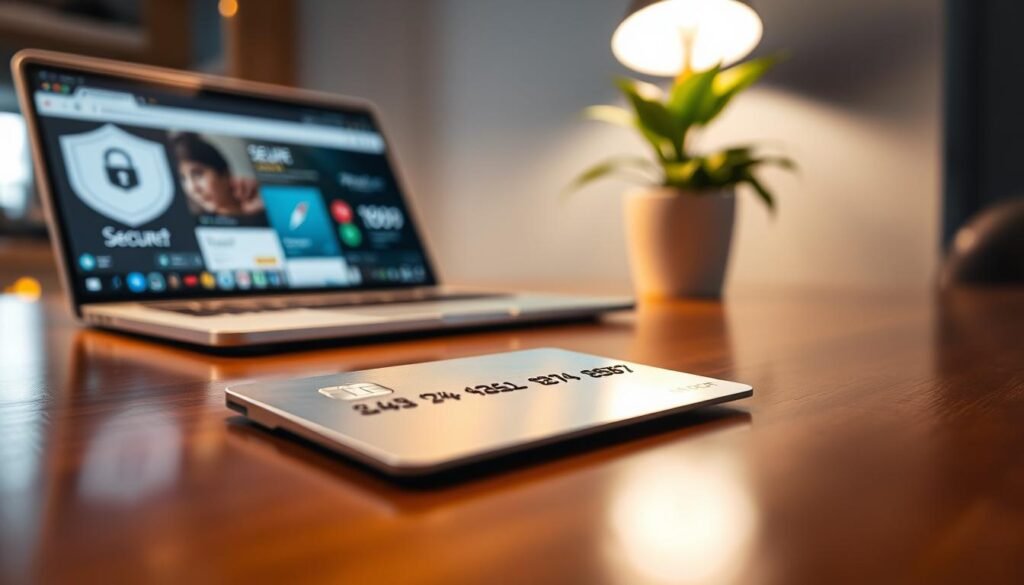
Protecting your wallet starts at checkout: choose methods that let you reverse fraud quickly. Use payment routes that add legal remedies and consumer protections rather than those that move funds with no recourse.
Prefer a credit card or PayPal for purchases. The Fair Credit Billing Act limits liability for unauthorized charges, and many issuers waive liability entirely. These options keep your financial information insulated and make disputes simpler.
What to avoid and why
Avoid paying with a debit card or direct bank transfer when possible. Debit pulls money straight from your bank account, which can delay reimbursements and create bigger headaches if fraud occurs.
Extra protections you can use
Where available, request virtual or disposable card numbers. These keep your primary card number out of merchant databases and lower exposure from breaches.
- Watch for odd payment requests (Zelle, Cash App, crypto) — treat them as red flags unless you fully trust the seller.
- Consider a dedicated credit card for purchasing only; enable alerts so you spot unauthorized charges fast.
- Don’t store your card on merchant sites unless you shop there often and trust their security controls.
- Use MFA on your issuer’s app to block account takeovers that could reveal card details.
If a charge looks wrong, dispute it promptly and gather transaction evidence. For broader account-hardening steps, see these practical non‑technical ways.
Harden your accounts with strong authentication
Treat account access like the front door to your identity. Reinforce it with long, unique credentials and a second factor so attackers have little to steal.
Make strong authentication routine. Small changes now stop costly recoveries later and keep financial and personal data under your control.
Use unique, strong passwords and a password manager
Create long, unique passwords for every login. Aim for 16+ characters and avoid reused words or patterns.
A password manager generates and stores complex passwords so you don’t memorize them. It also flags reused credentials and helps change compromised logins quickly.
Turn on multifactor authentication for shopping and banking accounts
Enable MFA on email, payment wallets, merchant accounts, and banking apps. App-based codes or hardware keys cut account‑takeover risk dramatically.
Avoid SMS when possible and use authenticators or security keys. Keep recovery phone numbers and backup codes current to prevent lockouts.
- Prioritize MFA on accounts that control payments or password resets.
- Review connected sessions and sign out devices you don’t recognize.
- Use biometrics in your bank’s app and enable alerts for unusual activity.
| Option | Strength | Best use |
|---|---|---|
| Password manager | High — generates/auto-fills unique passwords | All accounts; prevents reuse |
| App-based MFA | Very high — time-based codes (TOTP) | Email, shopping, banking logins |
| Hardware security key | Highest — phishing resistant | High-value accounts and banking |
Change reused passwords after breaches, and don’t share logins. For a broader account-hardening checklist, see 8 security essentials for managing your online.
Spot and stop common scams during peak seasons
High-traffic sales often hide clever traps that pretend to be trusted carriers or brands. Act slowly and verify before you click or pay.
Treat sudden delivery notices and bargain offers with suspicion. Phishing attempts often arrive as texts or emails claiming a missed parcel or fee from USPS, FedEx, UPS, or DHL. Carriers will not ask for extra payment via message links.
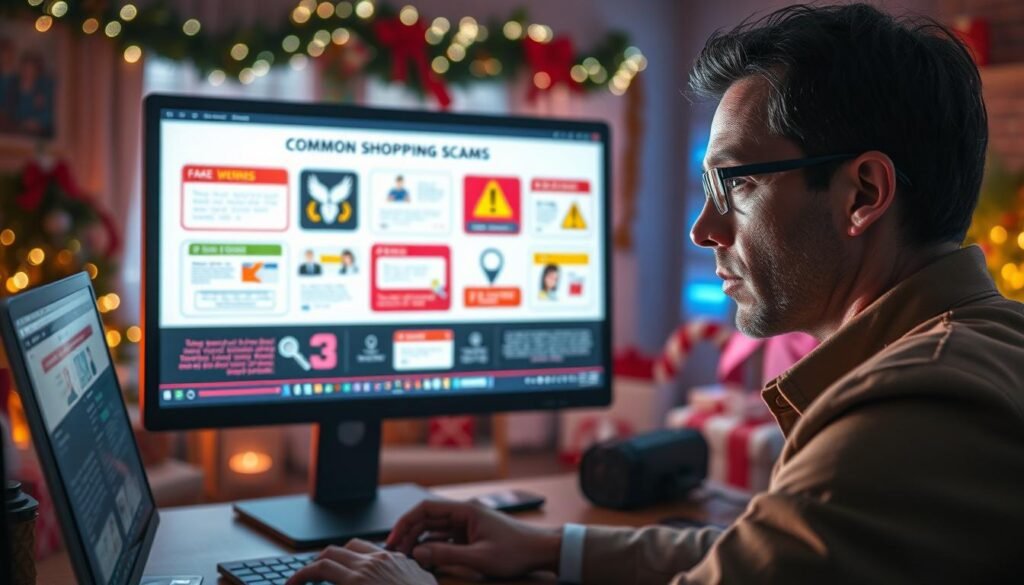
- Verify shipping alerts: log into the carrier or merchant portal directly instead of tapping links.
- Scrutinize social sellers: check profile age, contact details, and seller history before buying off a platform.
- Compare prices: if a deal seems “good true,” search for the product photos across the web and read multiple reviews.
- Block ad threats: use reputable ad blockers to limit adware and malvertising; avoid clicking ads in feeds or emails.
- Skip unvetted extensions: coupon tools or unknown add-ons can harvest browsing info or inject risky scripts.
Keep evidence. Save screenshots of suspicious posts and messages. That helps when you report a scam to the platform or authorities and when you follow guidance on avoiding holiday scams at holiday scam prevention or learn how to stop phishing emails from reaching you at blocking phishing emails.
“Always type a merchant or carrier address into your browser rather than following a link. It costs seconds and prevents many common frauds.”
Protect your privacy and minimize the data you share
Give merchants only what’s required to finish a purchase. Less shared data reduces exposure if a breach happens.
Protecting your personal details starts with restraint: provide the minimum required to complete a purchase.
What to enter at checkout
Share only essential information: payment method, shipping address, and a contact email or phone. Skip optional fields and decline marketing checkboxes.
Privacy policies and sensitive data
Read the merchant’s privacy policy before you buy. Prefer companies that state they won’t sell or rent your data.
Never submit Social Security numbers, bank account details, or driver’s license info for ordinary purchases.
Gift cards and stored payment choices
Buy gift cards only from the retailer or trusted sellers. Keep receipts and activation confirmations to resolve balance disputes.
- Use guest checkout when possible and don’t store your card with every merchant.
- Omit unrelated personal items like birthdays unless required for legal reasons.
- If a site demands extra information to proceed, abandon the cart and choose a trusted alternative.
Mind the fine print: shipping, returns, and support
Before you click buy, read the fine print—fees and return rules can turn a bargain into a burden.
Make sure you scan shipping policies first. Unexpected fees, long lead time, or a vague carrier line can erase any savings.
Confirm tracking, insurance, and which carrier will deliver high‑value products. If the vendor can’t commit to shipping within 10 days, treat that as a material risk.
Read return windows, restocking fees, and who pays return postage on the merchant site. Vague language is a red flag.
- Verify a working phone and a physical address so you can escalate issues.
- Check recent customer reviews that mention delivery and returns, not only product quality.
- For international stores, factor customs, duties, and return logistics into the total cost.
| What to check | Why it matters | Action |
|---|---|---|
| Shipping terms | Hidden fees and long lead time | Cancel if costs or delays look unreasonable |
| Returns & warranty | Who pays and coverage length | Save confirmations and labels for claims |
| Support contact | Resolve or escalate problems | Call before ordering if unclear |
If “in stock” becomes “backorder” after checkout, request cancellation rather than accepting indefinite delays. Smart shopping measures the full cost: price plus delivery and support.
“Keep copies of order confirmations and shipping labels—those documents make returns and disputes far easier.”
Monitor, respond, and recover if something goes wrong
Act quickly and methodically when you spot suspicious activity. Fast alerts and clear records make disputes easier and cut losses.
Set default protections so problems are less likely to grow.
How do I watch accounts and lock down credit?
Turn on real‑time alerts for all cards and banking apps so you see odd payments instantly.
Review credit and bank statements weekly, and during holiday peaks check daily for unfamiliar charges.
Freeze your credit at Equifax, Experian, and TransUnion by default. It’s free and blocks most new‑account identity theft.
What steps should I take if fraud appears?
- Contact your bank or card issuer and lock the compromised card. Request a replacement and dispute unauthorized payment charges.
- Avoid using debit when possible; if used, monitor your bank account every day until resolved.
- Change exposed passwords, enable MFA, and secure the email tied to other accounts.
- Document everything: dates, amounts, screenshots, and reference numbers to speed resolution.
- Report scams to the FTC, your state Attorney General, and the FBI’s IC3; include all evidence.
| Action | Why it helps | When to do it |
|---|---|---|
| Enable alerts | Spot unauthorized payment attempts fast | Now — across all cards and banking apps |
| Freeze credit reports | Blocks new accounts and identity theft | By default; only thaw when applying for credit |
| Dispute charge | Preserves your rights to recover money | Immediately after noticing an unfamiliar transaction |
| Report breach | Helps investigators and may aid recovery | If the site or merchant notifies you of exposure |
“Lock the card, document the case, and report quickly — those steps protect your credit and reduce recovery time.”
Conclusion
A minute of verification now can stop identity headaches later. Lock your home Wi‑Fi, confirm the site, choose a credit card or PayPal, and watch accounts after purchase.
Make a simple pre‑purchase routine: verify HTTPS and merchant reviews, use strong passwords with multifactor authentication, and keep devices updated.
Share only the minimum info and prefer known companies with clear return and support terms. Consider a default credit freeze and alerts so you spot odd charges fast.
If something goes wrong, contact your issuer, collect evidence, and report fraud to authorities. For further practical guidance on buying securely, see this concise online shopping guidance.
