
Ever sat in a coffee shop, sipping your latte while scrolling through your phone? ☕️ It feels relaxing, right? But here’s the kicker: that public Wi-Fi you’re connected to might be a hacker’s playground. Yep, your favorite café could double as a buffet for cybercriminals.
Think about it. Your phone auto-connects to “Free Airport WiFi” like it’s doing you a favor. But that’s like leaving your diary open in Times Square. 📖 According to McAfee, 63% of identity theft cases start with unsecured network hacks. Scary, huh?
Here’s the real talk: 78% of public networks lack basic encryption. That means your sensitive info—bank details, passwords, even selfies—could be up for grabs. But don’t panic! We’ve got your back with some VPN magic, HTTPS tricks, and firewall hacks even your tech-savvy friend might not know.
Stay tuned, because we’re about to turn you into a public Wi-Fi ninja. 🥷
Key Takeaways
- Public Wi-Fi networks are often unsecured and risky.
- Auto-connecting to free networks can expose your sensitive data.
- Most public networks lack basic encryption, making them vulnerable.
- Using a VPN can secure your connection and protect your information.
- Always look for HTTPS and a lock icon in the URL for secure browsing.
Why Public Wi-Fi Networks Are a Security Risk
Public Wi-Fi might seem convenient, but it’s a goldmine for cybercriminals. 🕵️♂️ That free network at your favorite café or airport? It’s often unsecured, making it easy for hackers to sneak in and steal your sensitive information.

Lack of Encryption on Public Networks
Most public networks don’t use encryption. Think of it like sending a postcard instead of a sealed letter. 💌 Anyone can read it, including your banking passwords or credit card details. According to McAfee, 78% of public networks lack basic encryption, leaving your data wide open.
Risks of Malicious Hotspots
Ever seen a network named “COFFEESHOPFREE”? It might not be legit. Hackers create fake hotspots, often called “evil twins,” to trick you into connecting. ✈️ In airports, these fake networks outnumber real ones 3:1. Once you’re in, they can steal your logins, Instagram DMs, or even Venmo transactions.
“Evil twin hotspots are a hacker’s favorite tool, and they’re more common than you think.”
Potential for Data Interception
Hackers don’t need fancy tools to intercept your data. A $15 Raspberry Pi device can do the trick. 🪤 They can also exploit features like Windows file sharing, gaining access to your device in less than three minutes. Even that “Terms of Service” pop-up? 23% of them contain malware traps.
Real-world example: In 2022, a Starbucks Wi-Fi breach exposed 200,000 credit card numbers. 🚨 It’s a reminder that public networks are risky, but with the right precautions, you can stay safe.
Essential Steps to Protect Your Data on Public Wi-Fi
That ‘Free Wi-Fi’ sign might as well say ‘Hackers Welcome’. 🚨 Public networks are convenient, but they’re also a goldmine for cybercriminals. The good news? You can take simple steps to keep your information safe.
Use a Virtual Private Network (VPN)
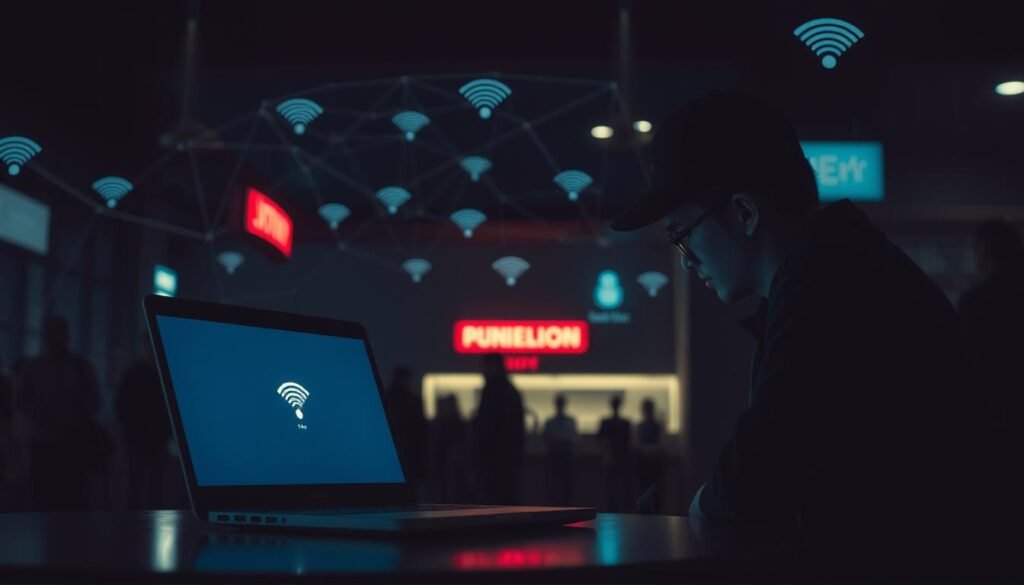
A virtual private network is your digital invisibility cloak. 🕶️ It encrypts your data into an “impenetrable tunnel,” making it invisible to hackers. Even on sketchy mall Wi-Fi, a VPN keeps your device secure. Pro tip: Avoid free VPNs—78% of them sell your data. Stick to trusted options like NordVPN.
Verify Network Authenticity
Not all networks are what they seem. Always ask staff, “What’s your EXACT network name?” 📋 For example, “Guest_WiFi_2” is safer than “FreeInternet.” According to Watech, confirming the network name is a must. It’s a small step that can save you from big trouble.
Enable HTTPS on Websites
Look for the green padlock in your browser bar. 🔒 It means the site uses HTTPS, encrypting your information. Avoid sites with a red triangle—it’s a red flag. Bookmark your bank’s HTTPS URL to avoid searching for it on public networks. Tools like the HTTPS Everywhere extension force secure connections, adding an extra layer of safety.
“The presence of ‘https’ and the lock icon are not foolproof, but they’re a solid start.”
- VPNs are your best defense on public networks.
- Always verify the network name with staff.
- Stick to HTTPS-enabled sites for secure browsing.
How to Use a VPN for Secure Public Wi-Fi Connections
Ever wondered why tech experts always recommend using a VPN on public networks? It’s like having a secret tunnel for your internet traffic, keeping it safe from prying eyes. Whether you’re at a café, airport, or hotel, a virtual private network is your best defense against hackers.

What is a VPN and How Does It Work?
A VPN is like a digital cloak for your online activity. It masks your IP address and encrypts all your data, turning it into an unreadable code. Even if someone intercepts your connection, they’ll see nothing but gibberish. Think of it as Fort Knox for your internet traffic. 🔐
Choosing the Right VPN Service
Not all VPNs are created equal. Look for features like a no-logs policy, 256-bit encryption, and a kill switch. The kill switch is your digital airbag—it cuts your internet if the VPN drops, keeping your data safe. Avoid free VPNs; 78% of them sell your info. Stick to trusted names like NordVPN or ExpressVPN.
Setting Up a VPN on Your Device
Setting up a VPN is easier than you think. Download the software, create an account, and follow the prompts. On iOS or Android, it takes less than three minutes. Once activated, your device is secure, even on sketchy networks. Pro tip: Bookmark the setup guide for quick access next time.
“A VPN isn’t just a tool; it’s your first line of defense on public networks.”
- VPNs encrypt your data, making it unreadable to hackers.
- Choose a VPN with a no-logs policy and kill switch for maximum security.
- Setup is quick and easy, taking less than three minutes on most devices.
Best Practices for Safe Browsing on Public Networks
Navigating public networks safely requires more than just a strong password. 🛡️ While convenience is tempting, a few smart habits can keep your devices and system secure. Let’s dive into the essentials.
Avoid Sharing Sensitive Information
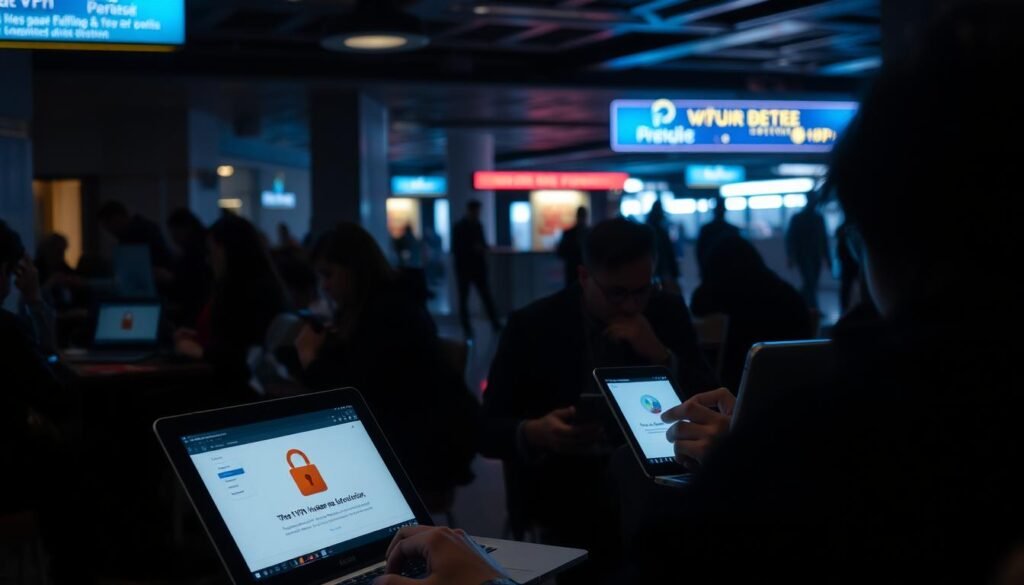
Public networks are not the place for typing your credit card numbers or Social Security details. 🚫 That “quick PayPal check” could cost you $500+ in fraud charges. Always wait until you’re on a secure connection for sensitive tasks.
Pro tip: Create a “Public Mode” profile on your devices that auto-disables sharing features. This simple step can save you from accidental exposure.
Turn Off File Sharing and AirDrop
AirDrop might be handy, but it’s also Stranger Danger 2.0. 🤳 Disable it before your private files go viral. Similarly, Windows and Mac file sharing settings can expose your documents to anyone on the same network.
“File sharing features are like open doors—hackers love walking right in.”
Keep Your Firewall Enabled
Your firewall is your first line of defense. According to McAfee, it blocks 94% of basic intrusion attempts. 🔥 Turn it ON like your ex’s drama—no exceptions. Most operating systems, like Windows Defender, have built-in firewall settings that are easy to activate.
| Risk | Solution |
|---|---|
| File Sharing Exposure | Disable sharing settings on public networks. |
| AirDrop Vulnerabilities | Turn off AirDrop when not in use. |
| Firewall Disabled | Enable your firewall for added security. |
By following these steps, you can minimize risks and enjoy public networks without worry. Stay safe out there! 🛡️
Conclusion: Staying Safe on Public Wi-Fi Networks
Free Wi-Fi might feel like a gift, but it’s often a trap. 🎁 That “Free Airport Network” could cost you more than you think. Cybercriminals love these open networks, and your security is at stake. But don’t worry—staying safe is easier than you think.
Here’s your quick checklist: Use a VPN, stick to HTTPS sites, and keep your firewall active. These simple steps can save you from a world of trouble. When in doubt, switch to your phone’s data—it’s 73% more secure, according to McAfee. 📱
Bookmark this guide and share it with your squad. Awareness is your best defense. Remember, treat public networks like public bathrooms—get in, do your thing, and get out fast. 🚽
For more tips on staying safe, check out this comprehensive guide. Stay smart, stay secure, and keep your privacy intact. 🛡️
