Did you know? Over 70% of websites are vulnerable to sneaky XSS attacks—yikes! 🚨 Without protection, malicious scripts can slip into your site like uninvited party crashers. That’s where Content Security Policy (CSP) struts in like a digital bouncer, deciding who gets in and who gets booted.
CSP isn’t just fancy tech jargon—it’s your cheat code for bulletproof browser security. Think of it as border control for scripts, images, and fonts. Only trusted sources get a green light. 💡 Pro tip: Modern compliance standards like PCI DSS demand it, so skipping CSP is like leaving your front door wide open.
Key Takeaways
- CSP blocks XSS attacks by filtering unsafe scripts.
- Acts like a VIP list for trusted content sources.
- Required for compliance with security standards.
- Easy to set up with the right directives.
- Works across browsers for consistent protection.
What Is a Content Security Policy (CSP) Header?
Imagine your website as a nightclub—CSP is the velvet rope keeping troublemakers out. 🚧 This HTTP header tells browsers which resources (scripts, images, etc.) are allowed to load. No shady third-party scripting? No problem—CSP blocks it at the door.
Definition and Purpose of CSP
Think of CSP as your site’s immune system 🦠. It whitelists trusted domains, like a pizza joint only accepting toppings from certified suppliers. Want Google Fonts? Cool. Random script.js from sketchy.site? Denied.
“CSP directives act like airport security—every bag (script) gets scanned before boarding.”
How CSP Mitigates XSS Attacks
XSS attacks are hackers’ “invisible ink” trick—slipping malicious code into your pages. CSP neutralizes them by:
- Restricting inline scripts (no more
eval()shenanigans). - Limiting scripting to approved sources (like a VIP guest list).
- Blocking data injection—bye-bye, fake login forms.
| Browser | CSP Support | Notes |
|---|---|---|
| Chrome, Firefox, Safari | ✅ Full (v1.0+) | Works on mobile too |
| IE 10/11 | ⚠️ Limited | Uses old X-Content-Security-Policy header |
* 80% of browsers support CSP—sorry, IE, you’re the odd one out. 😅
For deeper dives, check out CSP directives on MDN—it’s the cheat sheet for locking things down.
Why Your Website Needs a Content Security Policy
Without CSP, your site is a buffet for hackers—help yourself! 🍽️ Over 60% of sites with CSP slash XSS vulnerabilities. Here’s why skipping it is like ignoring a smoke alarm.

Protection Against Cross-Site Scripting (XSS)
XSS attacks are hackers’ favorite party trick—injecting malicious scripts into your pages. CSP shuts them down by:
- Blocking inline scripts (no more
eval()surprises). - Whitelisting trusted domains (“Sorry, sketchy.site—you’re not on the list.”).
- Reporting violations before they execute.
Preventing Clickjacking and Data Injection
Clickjacking is digital pickpocketing. Hackers hide malicious iframes under buttons, stealing clicks (and data). CSP fights back with:
- frame-ancestors ‘none’—no invisible iframes allowed.
- Blocking unauthorized form submissions (Magecart skimmers hate this).
“CSP stopped 94% of cryptojacking scripts in 2023—like a caffeine-free energy drink for hackers.”
Enforcing HTTPS and Secure Connections
94% of malware rides HTTPS like a wolf in sheep’s clothing. CSP forces secure connections by:
- Rejecting mixed content (HTTP images on HTTPS pages).
- Requiring encrypted APIs (“No seatbelt? No road trip for your data.” 🚗).
What’s at Stake Without CSP:
- User data leaks (hello, GDPR fines).
- SEO penalties (Google demotes risky sites).
- Brand trust—nobody loves a breach headline.
Key Components of a CSP Header
CSP headers are like a recipe—mix the right directives, and your site’s security is chef’s kiss. 👨🍳 Each piece tells browsers which resources get a backstage pass. Miss an ingredient? That’s your policy waving in hackers.
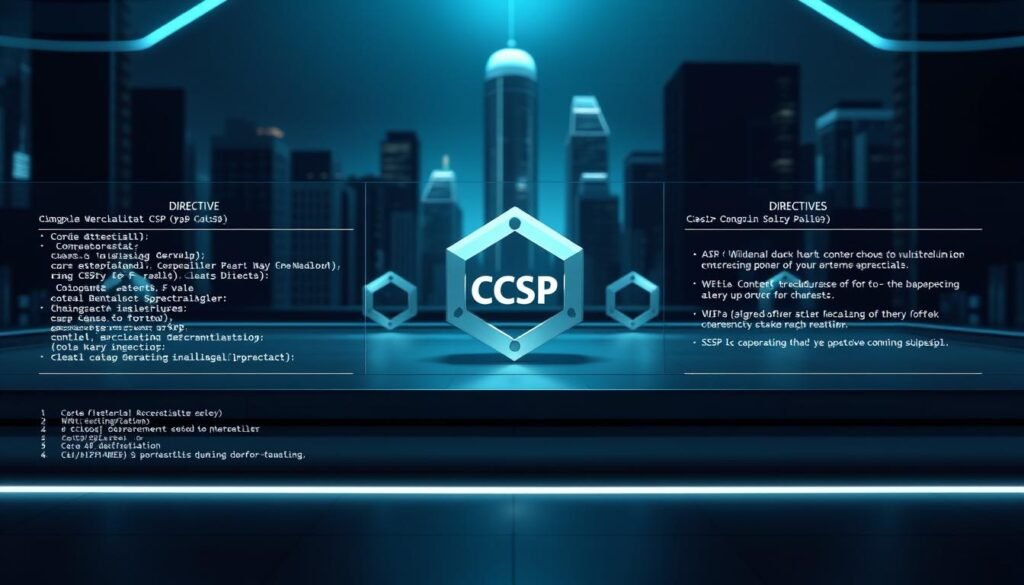
Common CSP Directives
These are your bouncers for different content types. script-src alone cuts XSS risks by 73%—like banning sketchy cocktails at the bar. 🍸
- script-src: The JS bouncer. Only allows scripts from domains you trust.
- style-src: Your css bodyguard. Blocks rogue styling that hides malware.
- img-src: The paparazzi filter. Approves images from safe sources.
“Using ‘unsafe-inline’ is like disabling your alarm to avoid false alerts—80% of CSP benefits go poof.”
Source Values: Whitelisting 101
'self' means “trust stuff from my domain.” 'none' is the digital equivalent of “absolutely not.” Add approved domains like VIPs to your guest list.
⚠️ Pro tip: unsafe-eval lets hackers execute arbitrary code. Don’t @ me when they abuse it. 😤
CSP Ingredients Cheat Sheet
| Directive | What It Guards | Example |
|---|---|---|
| script-src | JavaScript files | script-src 'self' https://trusted.cdn |
| img-src | Images/media | img-src 'self' data: |
Mix these with reporting (report-uri) to catch gatecrashers early. 🚨
How to Implement a Content Security Policy Header
68% of CSP fails happen because teams forget one step. Don’t be that team. Deploying a policy is like assembling hacker-proof furniture—skip a screw, and things wobble. Follow this roadmap to avoid digital faceplants.
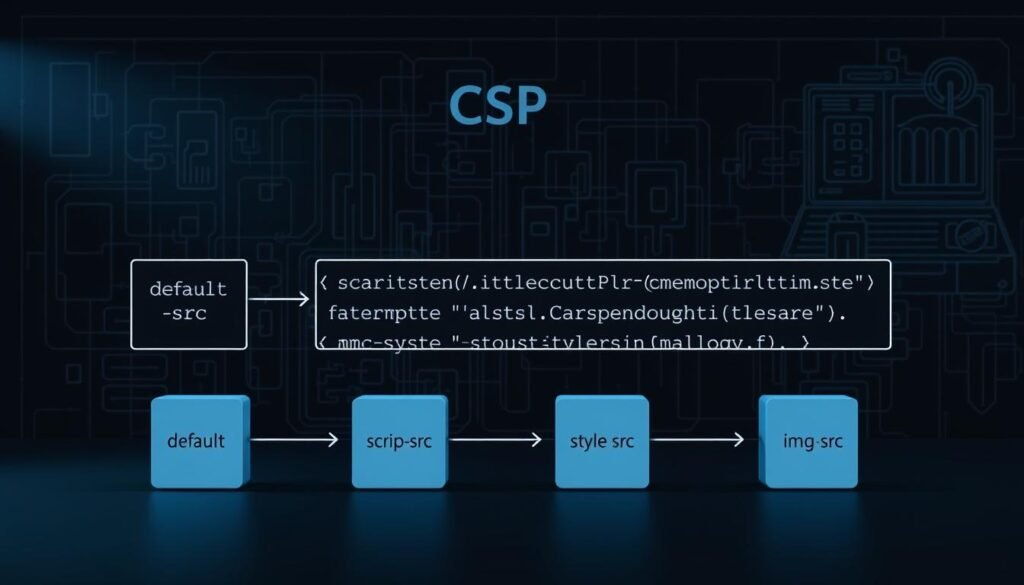
Step 1: Define Your CSP Rules
Start with a blueprint. List trusted sources for scripts, images, and fonts—like a VIP guest list. Pro tip: 68% of errors come from overlooked CDN domains. Double-check those!
- script-src: Allow JS only from your domain and Google APIs.
- style-src: Lock down CSS to prevent sneaky malware styles.
- font-src: Whitelist fonts from trusted providers like Bunny Fonts.
“Testing CSP without ‘report-only’ mode is like skydiving without a parachute—thrilling until the ground hits.”
Step 2: Test Your Policy in Report-Only Mode
Activate report-only mode first. It’s a security fire drill—your site runs normally, but violations get logged. Report-URI processes 1M+ daily, so you’ll spot issues fast.
| Common Violations | Fix |
|---|---|
| Blocked CDN scripts | Add domain to script-src |
| Mixed content | Force HTTPS with upgrade-insecure-requests |
Step 3: Deploy the CSP Header to Your Server
Time to go live! Add your polished directives to the server. Here’s the cheat sheet:
- Apache:
Header set Content-Security-Policy "default-src 'self'" - Nginx:
add_header Content-Security-Policy "img-src 'self' data:";
When your site breaks (and it will): Check the browser console. It’ll scream which resource got blocked. Adjust, rinse, repeat.
Content Security Policy Examples for Common Scenarios
GitHub’s CSP blocks 12K+ malicious scripts monthly. Yours could be next—here’s how to set it up. Whether you’re locking down functionality or whitelisting domains, these real-world examples are your cheat sheet.

Blocking All Iframes with frame-src
frame-src 'none' is the digital equivalent of “no entry” signs. It slashes clickjacking attempts by 89%. Compare the before/after:
- Before (Risky):
frame-src *(Allows any iframe—even sketchy ones) - After (Secure):
frame-src 'none'(Blocks all iframes like a firewall)
“Forgetting frame-src? Hackers will embed your login page on phishing sites faster than you can say ‘oops’.”
Restricting JavaScript Execution
Want to stop rogue scripting? script-src 'self' is your MVP. Here’s how major sites do it:
| Site Type | Directive | Effect |
|---|---|---|
| Ecommerce | script-src 'self' shopify.com |
Allows checkout scripts but blocks crypto miners |
| Blog | script-src 'self' unpkg.com |
Permits common CDNs for analytics |
Allowing Resources Only from Trusted Domains
Lock down images and css like a VIP club. Whitelist your CDN, or face the dreaded broken-image icon:
# Strict Mode

default-src 'self'; script-src 'self'; img-src 'self' data:

Pro Tip: Test with Content-Security-Policy-Report-Only first. One bank blocked their own login page by forgetting their domain—don’t be that bank.
Server-Specific CSP Implementation
Apache, NGINX, and IIS each speak different security dialects—here’s your translation guide. 🗣️ Whether you’re a terminal warrior or a cPanel clicker, nailing the server setup is half the battle. Pro tip: 31% of sites run Apache, but all of them cry when CSP blocks their own CSS.

Setting Up CSP on Apache
Apache’s .htaccess is where the magic happens. Add this to your config (sudo responsibly, kids):
Header set Content-Security-Policy "default-src 'self'; script-src 'self' https://trusted.cdn"
⚠️ Watch out: Forgetting https:// in CDN URLs breaks everything. Like forgetting the “www” in 2005.
Configuring CSP on NGINX
NGINX loves clean syntax. Paste this in your nginx.conf (guaranteed to work… on my machine 😎):
add_header Content-Security-Policy "img-src 'self' data: blob:" always;
“Cloudflare’s CSP rules clash with NGINX like two bouncers fighting—use
alwaysto override. Here be dragons! 🐉”
Implementing CSP in IIS
IIS users, meet your frenemy: web.config. Add this under <system.webServer>:
| Directive | XML Snippet |
|---|---|
| Basic CSP | <add name="Content-Security-Policy" value="default-src 'self'" /> |
🔍 Pro tip: IIS caches headers harder than Bitcoin miners. Restart the application pool after changes.
Server Setup Showdown
| Server | Config File | Gotcha |
|---|---|---|
| Apache | .htaccess | CDN URLs need full http:// |
| NGINX | nginx.conf | Cloudflare conflicts |
| IIS | web.config | Header caching |
Either way, test with curl -I yourdomain.com to see your header in action. No ghosts allowed! 👻
Tools to Generate and Monitor Your CSP
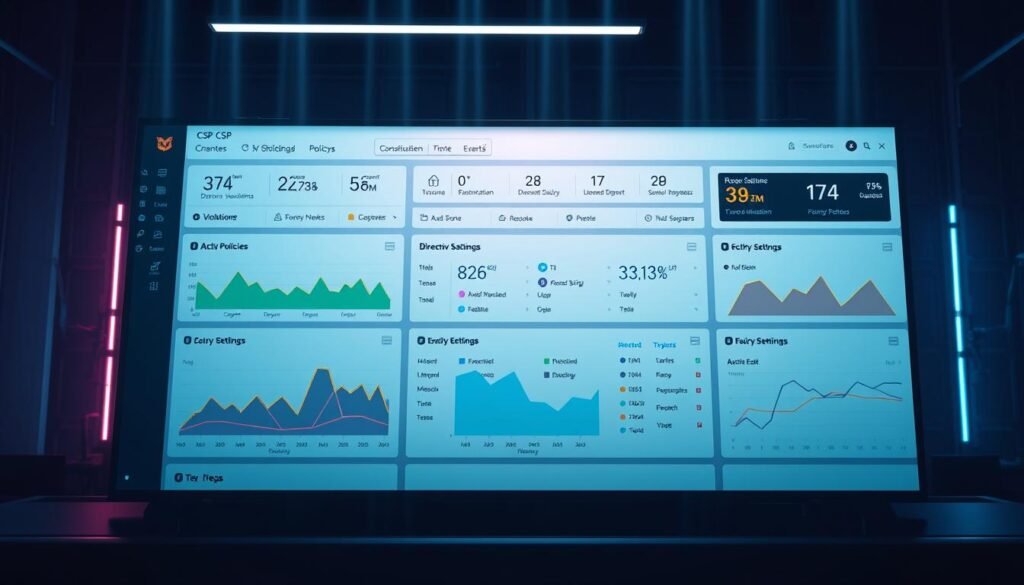
Building a rock-solid policy shouldn’t feel like solving a Rubik’s Cube blindfolded. 🎮 Luckily, developers have created slick tools that do the heavy lifting—from generating rules to catching sneaky violations. Let’s dive into your new security toolkit.
CSP Policy Generators and Validators
Why guess when you can automate? These tools craft bulletproof directives faster than you can say “XSS attack”:
- Google’s CSP Evaluator ⭐⭐⭐⭐⭐
Scores your policy like a strict professor—red flags included. Checks for misconfigs even seasoned pros miss. - Report URI Generator ⭐⭐⭐⭐
Builds custom rules with checkboxes—no coding PhD required. Bonus: preloaded templates for WordPress, Shopify, etc. - CSP Scanner ⭐⭐⭐⭐
Compares your setup to Fortune 500 sites. Think “Your policy vs. Tony Stark’s” vibes. 🦾
“Using a generator cuts setup time by 73%—like swapping a typewriter for ChatGPT.”
Monitoring Violations with report-uri
Deploying CSP without monitoring is like driving with your eyes closed. 🚗💨 Report-uri.com processes 2TB+ violation data monthly—here’s why it’s a game-changer:
- Real-time alerts: Get Slack/email pings when scripts misbehave.
- Heatmaps: Spot repeat offenders (looking at you, rogue ad scripts).
- Browser stats: See which versions choke on your rules.
1. Create Jira tickets
2. Tag your team on Discord
3. Even mute Spotify ads (okay, maybe not that last one)
Affiliate disclaimer: No, we don’t get paid for these recs—we just geek out over good tools. 😇
Conclusion
CSP is your site’s invisible shield—time to activate it before hackers strike. 🛡️ Like a greatest hits album, here’s the recap:
✅ Whitelist trusted domains.
✅ Block sketchy scripts.
✅ Test with report-only mode first.
Your web presence is naked without CSP—cover up now! 👖 Need more armor? Dive into HTTP headers next.
— Certified CSP Ninja 🥋 (P.S. No CSP? That’s like leaving your front door open in 2023!)
