
Our Site Went Down for 6 Hours Because of This One Tiny Misconfiguration—A Post-Mortem

Surprising fact: a single permissive setting can create a chain reaction that halts service for hours and exposes critical data.

Table of contents

An expert take by Ethan Cross, HakTechs.com Lead Analyst

We opened a routine settings panel, and six hours later our users couldn’t access core features. This was not a hardware failure or a DDoS. It was a small security error in configuration that cascaded through our system and application layers.

In this post‑mortem we map what happened, why it bypassed alarms, and how the permissive access path interacted with deployment code. You’ll get clear information on the technical failure and the real impact on users and business operations.

We also link practical controls and detection checks to help teams in cloud and on‑prem environments spot similar risks. For context on common causes of downtime and human error, see this analysis of common downtime reasons.

Key Takeaways

  • Small settings changes can cause large impact. Treat configuration reviews as critical checkpoints.
  • Permissive access is a common root cause. Harden default accounts and keys immediately.
  • Detection gaps let faults propagate. Add runtime checks and tighter alerts.
  • Translate technical signals for leaders. Clear timelines improve remediation speed.
  • Apply repeatable controls. Build configuration gates into CI/CD and cloud policies.

What happened during the six-hour outage, and how did we detect, mitigate, and recover?

Quick answer: A single permissive change to access rules created cascading failures across our stack. We detected noisy telemetry, narrowed the root cause, and restored service with targeted rollbacks and tightened controls.

A single change in access rules set off a chain of failures that unfolded over six hours. Initial alerts showed spikes in 5xx responses and unusual traffic patterns hinting at a network policy gap.

Timeline

  1. Detection: noisy but ambiguous telemetry—spikes and verbose error logs masked the signal.
  2. Escalation: incident command assigned roles for comms, logging, and rollback within minutes.
  3. Mitigation: we narrowed ingress rules, revoked a permissive policy, and hot‑patched software configs.
  4. Recovery: clean rollback, cache warm‑up, and dependency restarts across critical systems.

The immediate impact affected users on core applications: slow pages, failed checkouts, and growing support tickets. We prioritized verifying data paths for vulnerabilities and confirming no sensitive exposure.

“Correlation of recent access changes with cloud security alerts revealed the exact configuration that caused propagation.”
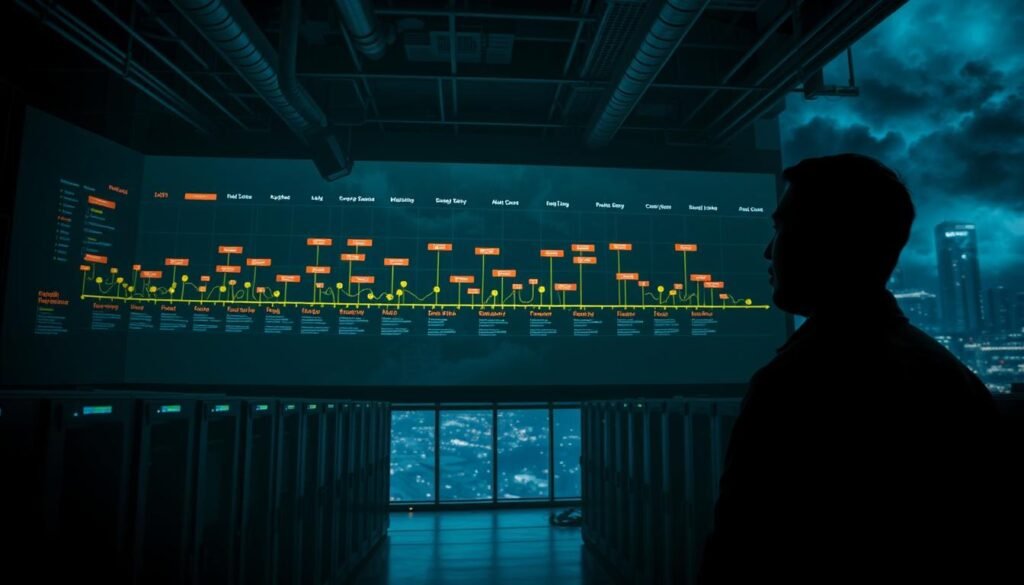
A dark, moody data center interior with a sprawling security timeline projected onto a massive wall display. The timeline visualizes a series of critical access events, represented by glowing data points and interconnecting lines. In the foreground, a security analyst intently monitors the timeline, their face illuminated by the glow of the screen. Overhead, industrial-style lighting casts dramatic shadows, adding depth and tension to the scene. The middle ground features rows of server racks, blinking lights, and the occasional flicker of a status indicator. In the background, a large window reveals a stormy, nighttime cityscape, emphasizing the gravity of the situation unfolding within the data center.

Signal‑to‑noise was the real challenge. Verbose logs hid the root cause until we linked alerts to a recent change in access and a cloud security group. For network propagation lessons, see this BGP failure case study.

What tiny settings create outsized risk in real environments?

Quick answer: Tiny toggles in access and runtime controls often compound into full‑blown security incidents. Small defaults, unused features, and verbose diagnostics amplify exposure across systems and cloud infrastructure.

From default settings to disabled controls:

  • Default credentials and permissive policies. Leaving accounts unchanged or IAM too broad invites automated probes and privilege escalation.
  • Debug and verbose logging in production. Stack traces and sensitive headers leak internals to attackers and increase forensic noise.
  • Unused features enabled. Docker’s remote socket, open management ports, or unnecessary plugins create extra attack surface.

Where errors creep in: cloud, applications, and network layers

  • Network: open ports and lax ACLs widen entry points.
  • Cloud: public buckets or overbroad IAM grants allow lateral movement.
  • Application: CORS, weak TLS ciphers, and directory listing expose data and logic.

Actionable step: build a living hardening checklist, inventory risky defaults, and apply vendor guides for Kubernetes and managed services. Small, repeatable controls turn hidden misconfigurations into preventable tasks.

A dimly lit server room, the glow of blinking status lights casting long shadows. In the foreground, a lone security camera, its watchful lens scanning the space with unwavering vigilance. The middle ground is dominated by a towering rack of servers, their fans humming with the steady rhythm of data processing. In the background, a bank of monitors displays intricate network diagrams and security alerts, a testament to the unseen complexities that underpin our digital infrastructure. The atmosphere is one of unease, a sense of the fragility that lies beneath the surface of our seemingly robust systems. The image conveys the message that even the smallest oversight can have outsized consequences, a cautionary tale of the hidden vulnerabilities that lurk in the shadows of our most crucial technological safeguards.

What root causes, triggers, and contributing factors led to this website misconfiguration outage?

Quick answer: Small human errors and lax access controls combined with legacy defaults and weak change governance to widen blast radius. Immediate fixes focus on least privilege, review gates, and faster drift detection.

Small human decisions and rushed approvals often start the chain of events that lead to major security incidents. Teams pushed a change outside normal windows and skipped peer review. That bypass raised the overall risk and let a permissive rule slip through.

Human error under pressure and insufficient change control

Manual edits to IAM settings introduced an error that expanded user and service access. Documentation gaps and tribal knowledge slowed response when on‑call rotations changed.

Overly permissive access and public exposure in cloud resources

Legacy default configurations and exposed keys made cloud storage and APIs easier to reach. Overexposed data paths and permissive policies acted as immediate triggers for propagation.

  • Rushed change: bypassed automated checks and reviews.
  • Manual IAM edits: increased chance of unauthorized access.
  • Legacy defaults: widened exposure across the cloud.
  • Alert fatigue: delayed root cause correlation.
Root factor Trigger Recommended mitigation
Human error Out‑of‑window approval Enforce approval workflows and peer review
Permissive access Manual IAM change Apply least privilege and automated policy scans
Legacy defaults Open storage/API endpoints Harden defaults and rotate keys
Governance gaps Missing docs, alert fatigue Runbooks, audits, and continuous drift detection

A complex network of wires, servers, and switches sits in a dimly lit server room. Shadows cast by the hardware create an ominous atmosphere, suggesting a hidden security flaw. The room is bathed in an eerie, blue-tinted glow, emphasizing the delicate balance of the system. Dust motes swirl in the air, hinting at neglected maintenance. A lone laptop sits open on a cluttered desk, its screen displaying a cryptic error message. The overall scene conveys a sense of vulnerability and the potential for catastrophic failure due to a subtle, yet critical, misconfiguration.

Next step: build pre‑merge checks, tighten CI gates, and schedule frequent audits. For more on common network misconfigurations, see common network misconfigurations.

What types and real-world examples of security misconfigurations affect web platforms today?

Many security failures begin with one overlooked setting that quietly expands risk. Quick snippet: Default accounts, open cloud storage, noisy logs, and weak CI/CD gates are common types that let attackers move laterally. Fixes focus on least privilege, patching, and pipeline controls.

Default credentials, weak access, and unencrypted data

Unchanged defaults like factory accounts or simple passwords let attackers gain a foothold fast.

Unprotected files, unencrypted backups, and loose access control expose sensitive data. ChaosDB and BingBang show how simple identity or application gaps can leak keys and cross-tenant data.

Unpatched systems and unused services

Outdated systems create obvious vulnerabilities. Enabling unused services or open network ports widens attack surface with no benefit.

Noisy logs and verbose stack traces

Verbose errors can leak implementation information or PII. Turn off stack traces in production and scrub logs to reduce forensic noise.

CI/CD pitfalls that ship risk

Unsigned commits, missing SAST/DAST, no SBOM, and absent secrets scanning let risky code reach production.

  • Enforce branch protections and code review.
  • Run automated scans and secrets checks before merge.

“Harden each layer—OS, runtime, app, and pipeline—to reduce security misconfigurations and break kill chains early.”
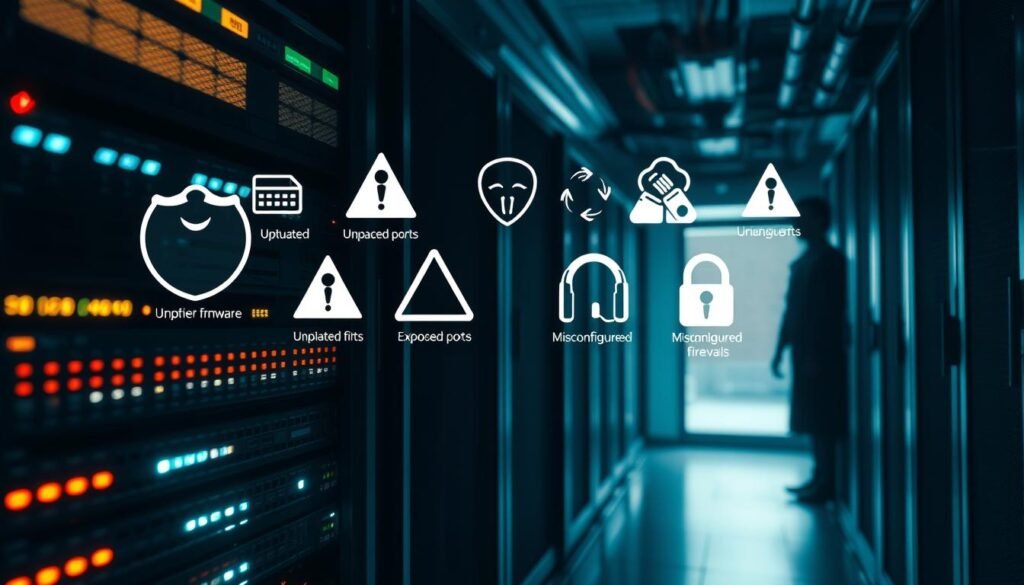
A dimly lit server room, with a network rack in the foreground, displaying an array of blinking lights and cables. In the middle ground, various security icons and warning symbols hover over the rack, representing common vulnerabilities like outdated firmware, exposed ports, and misconfigured firewalls. In the background, a shadowy figure lurks, symbolizing the potential for unauthorized access. The scene is imbued with a sense of unease, highlighting the importance of proactive security measures in web platform management.

What’s the business impact and risk from data exposure to downtime?

Quick answer: When configuration gaps let data be reachable, the business impact can cascade into legal, financial, and reputational damage. Immediate steps limit harm and speed recovery.

When attackers reach data or gain unauthorized access, regulators and customers notice fast. Breach notifications, HIPAA or GDPR fines, and legal fees all add up.

From a business lens:

  • Financial impact: churn, refunds, SLA credits, and recovery budgets reduce revenue.
  • Regulatory exposure: breach reports, fines, and mandatory audits when sensitive data is involved.
  • Operational drag: diverted engineering time for incident response and remediation projects.

Downtime also disrupts core services and dependent systems. Reputation damage persists; prospects and partners may lose trust.

“Quantify risks by frequency and severity so leaders can prioritize controls that reduce the biggest losses.”

A high-tech office interior, with sleek glass and steel furniture, casting long shadows under dramatic overhead lighting. In the foreground, a laptop screen displays a security alert, indicating a data breach. In the middle ground, a concerned executive gestures animatedly, surrounded by team members reacting with expressions of worry and urgency. The background blurs into a hazy, ominous atmosphere, conveying the gravity and business impact of the security incident. The overall scene evokes a sense of tension, risk, and the need for swift, decisive action.

Budgeting for IR retainers, external audits, and resilience tooling reduces long‑term impact. For real world outage statistics and recovery costs, see this cloud outage cost analysis.

How do you detect misconfigurations early with monitoring, audits, and continuous visibility?

Continuous visibility gives teams the edge to spot risky changes before they escalate. Start with a known-good configuration, then monitor for deviations in real time. This approach moves teams from reactive hunting to predictable detection and faster remediation.

Baselining and real-time drift detection

Establish a golden configuration for critical systems and enforce drift alerts. Run automated checks that compare live state to your baseline. When a server, policy, or repository diverges, an alert should create a ticket and pause risky changes.

Automated scans and CSPM for cloud exposure management

Use Cloud Security Posture Management (CSPM) tools to inventory resources and flag identity sprawl. Schedule regular vulnerability scans and policy evaluations so findings arrive before a threat actor exploits them.

Observability that helps: alerting on IAM, ports, APIs, and verbose logs

Wire monitoring tools to watch IAM access scopes, open network ports, public APIs, and logging verbosity that could leak data. Tune alerts to reduce noise and prioritize high‑impact issues.

  • Automate checks in development pipelines: secrets scanning, SBOMs, SAST/DAST.
  • Schedule audits and red‑team validation to cover blind spots.
  • Centralize findings on a platform for dedupe, ownership, and SLA-driven triage.
  • Pair alerts with runbooks and access control guardrails to prevent recurrence.

“Start with a golden configuration and enforce drift detection so systems alert when reality diverges from intent.”

A dimly lit server room with a security monitoring dashboard displayed on multiple high-resolution screens. In the foreground, a network administrator closely examines the data, with a serious expression and intense focus. The middle ground features racks of servers and networking equipment, their LED indicator lights pulsing rhythmically. In the background, a large window offers a glimpse of a city skyline at night, the distant lights creating a sense of scale and context. The overall atmosphere is one of vigilance, technical expertise, and a heightened awareness of potential system vulnerabilities.

How do you move from firefighting to prevention with best practices and remediation playbooks?

Start with repeatable controls: schedule patch cycles, enforce least privilege, and require signed commits in CI. These steps reduce attack windows and keep the team focused on durable protection rather than one-off fixes.

Turn one-off fixes into durable defenses by baking security into code, CI, and runbooks.

Build a cadence for patch management and follow vendor hardening guides for cloud and on‑prem infrastructure. Enforce least privilege access, rotate secrets, and eliminate shared passwords.

  • Secure code: validate inputs, manage secrets, and suppress noisy error output to reduce exploitable vulnerabilities.
  • DevSecOps: require signed commits, generate SBOMs, run SAST/DAST, and block merges that skip checks in development.
  • Rollback & governance: standardize recovery patterns, keep runbooks current, and treat configuration as code with peer review.

Tool up with CSPM and a software supply chain security platform that integrates tools to detect drift and automate guardrails. This shortens remediation cycles and reduces opportunities for attackers.

“Preventive practices win when teams measure adherence and report KPIs to leadership.”

A secure server room with multiple layers of security measures. In the foreground, biometric scanners and keypad locks control access to the server racks. The middle ground features robust fire suppression systems and environmental monitoring sensors. The background showcases a network of CCTV cameras and motion detectors, creating a comprehensive physical and digital security perimeter. The lighting is subdued, with a slightly cool tone, conveying a sense of professionalism and vigilance. The overall atmosphere radiates an air of diligent prevention, with every detail meticulously designed to safeguard the critical infrastructure.

For practical attack surface guidance, review this attack surface reduction guide to align controls with risk and keep protections current.

What are the key takeaways from this post‑mortem on our website misconfiguration outage?

Quick summary: Small settings can cascade into major incidents. Treat configuration as a product: version, test, and review every change to reduce risk across systems and applications.

Key takeaways: Tiny permissive choices increase exposure and help attackers chain access across a platform. Prioritize baselines, least‑privilege access, automated checks, and continuous visibility with CSPM and inventory tools.

Eliminate weak defaults, rotate secrets, and remove unused files and ports. Strengthen code and CI checks so software and deployment paths carry less vulnerability debt.

Use post‑mortems to convert fixes into durable practices. Document, automate, and verify controls so your organization shortens MTTR and keeps sensitive information and users safer.

FAQ

What happened during the six-hour outage, and how did we detect, mitigate, and recover?

During a scheduled deployment, a single configuration change flipped a routing rule and exposed a production API to an internal migration task. Monitoring alerted on increased error rates and 502 responses; synthetic checks and user reports confirmed broad disruption. We immediately rolled back the change, revoked the offending temporary credentials, and applied a hotfix to routing rules. Recovery involved traffic rerouting, cache flushes, and validation of dependent services before full service restoration.

What did the timeline of detection, escalation, mitigation, and recovery look like?

Detection began with automated uptime probes and error-rate alerts. Engineers triaged logs and reproductions, then escalated to the incident response lead. Mitigation steps included isolating the failing service, revoking keys, and applying a rollback. Recovery focused on revalidation, user-facing status updates, and staged re-deployments. Post-incident, we ran a forensic review and updated runbooks.

What was the immediate impact on users, revenue, and operations?

Users experienced failed requests, timeouts, and degraded features for six hours. Transactional flows stalled, causing measurable revenue loss during peak windows. Operationally, teams shifted from planned work to full incident mode, increasing labor costs and delaying other projects. The outage also generated support volume and some customer churn risk.

How did we separate signal from noise in logs and alerts?

We filtered by error types, correlated timestamps across services, and prioritized alerts tied to customer-facing endpoints. Tracing showed a common upstream failure path. That focused attention on a single change rather than chasing unrelated noise. We also tuned thresholds to reduce alert fatigue afterward.

What tiny settings commonly create outsized risk in real environments?

Small toggles like default credentials, open S3 or object storage buckets, permissive security group rules, or undocumented feature flags can introduce large risk. Disabling input validation, turning off rate limits, or leaving verbose debug mode enabled in production are other examples that magnify exposure.

Where do errors most often creep in — cloud, application, or network layers?

All three layers are common sources. In cloud, IAM misconfigurations and public storage are frequent. In applications, insecure defaults and debug settings cause leaks. Network-layer mistakes include overly broad firewall rules and exposed management ports. Risks compound when these layers interact without clear ownership.

What root causes and contributing factors led to this incident?

Key causes were human error under pressure, inadequate change control, and gaps in pre-deploy validation. Contributing factors included overly permissive access for short-lived credentials, missing deployment approvals, and incomplete roll-forward/rollback testing in CI/CD.

How did human error and insufficient change control play a role?

An engineer applied a configuration during a rapid maintenance window without completing the peer review checklist. The change lacked a canary stage and automated gating. Under time pressure, manual steps bypassed established approvals, increasing the chance of a dangerous setting being applied broadly.

How did overly permissive access and public exposure in cloud resources contribute?

Temporary credentials were issued with expanded permissions to speed migration. An object store bucket and an API endpoint became reachable beyond intended scopes. That allowed a misrouted task to affect production traffic and made containment harder until permissions and endpoints were corrected.

What types and real-world examples of security misconfigurations affect platforms today?

Common issues include default or weak credentials, improper role-based access control, unencrypted data at rest or in transit, and public storage blobs. Unpatched servers, unused services, and excessive open ports also expand attack surface. CI/CD missteps like unsigned commits or missing security scans are frequent vectors too.

How do default credentials and inadequate access control cause breaches?

Default credentials are predictable and often publicly documented, enabling unauthorized logins. Poor access control—broad roles, lack of least privilege, or stale accounts—gives attackers or misconfigured processes more power than needed, increasing the chance of data exposure or service disruption.

How do unpatched systems and unused features increase risk?

Unpatched software often contains known vulnerabilities with public Common Vulnerabilities and Exposures (CVE) entries that attackers exploit. Unused features and endpoints expand complexity and create blind spots for security and monitoring, turning minor oversights into high-impact exploits.

How can noisy error logs and verbose stack traces expose sensitive information?

Verbose logs may include tokens, database queries, internal IPs, or file paths. If logs are accessible or aggregated without masking, they become a treasure trove for attackers. Proper logging hygiene and redaction prevent sensitive data leakage during normal operations and incidents.

What CI/CD pitfalls should teams watch for?

Risks include unsigned commits, missing Software Bill of Materials (SBOM), no static (SAST) or dynamic (DAST) scans, and absent secrets scanning. Weak branch protections and automated deployments without canaries or feature gating increase the chance that dangerous changes reach production.

What business impact comes from data exposure and downtime?

Data breaches lead to regulatory fines, remediation costs, and potential class-action risk. Downtime causes direct revenue loss, operational expenses for incident response, and reputational damage that can depress customer retention and acquisition for months.

How do data breaches and unauthorized access affect regulatory exposure?

Breaches can trigger breach-notification laws (e.g., GDPR, CCPA) and sector-specific rules (e.g., HIPAA, PCI DSS). That may require audits, fines, mandatory notifications, and costly remediation measures. Maintaining compliance reduces both risk and legal downside.

How can organizations detect misconfigurations early with monitoring and audits?

Establish baselines for normal configuration, deploy real-time drift detection, and run scheduled configuration audits. Combine observability (tracing, metrics, logs) with security posture tools to surface deviations and anomalous access patterns before they escalate.

What role do automated scans and CSPM play in exposure management?

Cloud Security Posture Management (CSPM) tools continuously scan cloud resources for insecure settings, enforce policy-as-code, and alert on public storage or excessive IAM privileges. Automated scans reduce manual drift and help prioritize high-risk misconfigurations.

How does observability help with alerts on IAM, ports, APIs, and verbose logs?

Observability ties service health to security telemetry. Alerting on sudden IAM changes, unexpected open ports, or spikes in API errors speeds detection. Centralized log management with redaction and correlated traces enables faster root-cause analysis.

How do you move from firefighting to prevention with best practices and playbooks?

Standardize patch management, follow hardening guides, enforce least privilege, and maintain up-to-date documentation. Build and rehearse incident playbooks, integrate security gates in CI/CD, and automate rollback strategies to make prevention repeatable.

What secure coding and secrets management practices help prevent exposures?

Enforce input validation, avoid leaking stack traces, and centralize secrets in vaults with short-lived credentials. Use environment separation, require code reviews for sensitive changes, and run SAST/DAST scans as part of pull requests.

Which DevSecOps pipeline controls are most effective?

Signed commits, branch protections, mandatory SAST/DAST, secrets scanning, and automated dependency checks (SBOM) create robust gates. Include canary deployments and progressive rollouts to limit blast radius for risky changes.

What rollback strategies, documentation updates, and governance measures should be in place?

Maintain automated, tested rollback procedures and versioned configuration repositories. Keep runbooks current with decision trees and contact lists. Require change approvals and post-deploy verification steps in governance workflows.

Which tooling and platforms help reduce the chance of similar incidents?

Use CSPM for cloud posture, Secrets Management (e.g., HashiCorp Vault), CI/CD security integrations, SAST/DAST tools, and observability platforms like OpenTelemetry-compatible solutions. Software supply chain security tools and SBOM generation add crucial defenses.

What are the key takeaways from this post‑mortem?

Small configuration errors can cause major outages. Enforce change controls, least-privilege access, and automated pre-deploy checks. Invest in CSPM, observability, and DevSecOps practices to detect drift, reduce human error, and shorten recovery time when incidents occur.

Ethan Cross

Ethan Cross is a cybersecurity analyst and tech journalist with over a decade of experience in ethical hacking, malware analysis, and digital forensics. At HakTechs.com, he delivers in-depth reports, security tips, and expert analysis to help readers stay ahead of emerging cyber threats.