
In 2025, living online isn’t just an option—it’s a reality. Our finances, conversations, and personal memories exist as data, flowing through a digital world filled with hidden risks. For many, cybersecurity sounds like a complex, technical field reserved for experts. But the truth is much simpler: basic digital self-defense is now a fundamental life skill. Ignoring it is like leaving your front door unlocked in a crowded city. This guide is built to be your starting point, cutting through the jargon to give you the foundational knowledge and actionable steps needed to protect your digital life.
Article Summary
- What Cybersecurity Is: Learn the core goal of cybersecurity—protecting your digital assets—and understand the foundational CIA Triad (Confidentiality, Integrity, Availability).
- Top 5 Threats: Discover the most common dangers you face online, including phishing, malware, weak passwords, unsecured Wi-Fi, and outdated software.
- Your 7-Step Defense Plan: Get actionable steps you can take today to secure your accounts, such as enabling Multi-Factor Authentication (MFA) and using a password manager.
- Essential Security Tools: Understand the roles of key software like antivirus, VPNs, and secure browsers in your digital defense toolkit.
- Recognizing Scams: Learn the tell-tale signs of phishing emails and other social engineering attacks to avoid becoming a victim.
- Data Backups: Find out why regularly backing up your important files is a critical safety net against data loss and ransomware.
- Next Steps: Explore free, credible resources to continue your cybersecurity education and learn about potential career paths.
What is Cybersecurity, Really?
At its heart, cybersecurity is the practice of protecting internet-connected systems—including hardware, software, and data—from digital attacks. Think of it as the digital equivalent of locking your doors, installing an alarm system, and keeping your valuables in a safe. It’s not about becoming an unhackable fortress, but about making yourself a much harder target.
Breaking Down the Core Goal: Protecting Digital Assets
Your digital assets are anything of value you own in the digital realm. This includes:
- Personal Information: Your name, address, social security number, and date of birth.
- Financial Data: Bank account details and credit card numbers.
- Online Accounts: Email, social media, and shopping profiles.
- Personal Files: Photos, documents, and videos.
The goal of cybersecurity is to prevent unauthorized individuals from accessing, changing, or deleting this information.
The CIA Triad Explained: Confidentiality, Integrity, and Availability
Professionals use a model called the CIA Triad to define the core principles of security.
- Confidentiality: This is about keeping your data secret. It ensures that only authorized people can access sensitive information. Example: Using a password to protect your email account ensures only you can read your messages.
- Integrity: This ensures that your data is accurate and trustworthy. It prevents unauthorized changes to your information. Example: When you send money online, integrity ensures the amount you send is the exact amount the recipient gets, with no changes in between.
- Availability: This means that you can access your data and services when you need them. It protects against disruptions that could lock you out of your own accounts or systems. Example: A bank’s website resisting an attack that tries to crash it ensures you can always log in to check your balance.
The Top 5 Threats Every Digital Citizen Faces
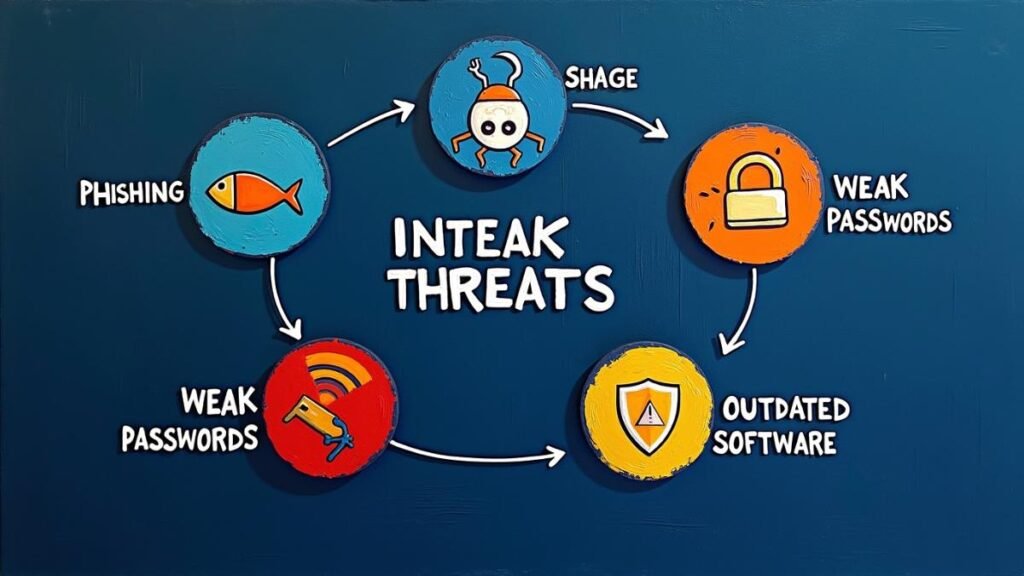
You don’t need to know about every complex hacking technique to stay safe. In my experience analyzing thousands of security incidents, most breaches boil down to just a few common threats that exploit human behavior and basic technical oversights.
Threat 1: Phishing and Social Engineering
Phishing is a type of scam where attackers impersonate a legitimate company or person to trick you into giving them sensitive information, like passwords or credit card numbers. This is often done through fake emails, text messages (called “smishing”), or phone calls (“vishing”). Social engineering is the broader term for manipulating people into divulging confidential information.
Threat 2: Malware (Ransomware, Spyware, Viruses)
Malware, short for malicious software, is any software designed to harm your computer or steal your data. Common types include:
- Ransomware: Encrypts your files and demands a ransom payment to unlock them.
- Spyware: Secretly records your actions, such as your keystrokes, to steal passwords.
- Viruses: Attach to clean files and spread through a system, corrupting data.
Threat 3: Weak and Reused Passwords
Using simple, easy-to-guess passwords (like “password123”) or using the same password for multiple websites is one of the biggest security risks. If one site is breached, attackers can use that same password to access all your other accounts.
Threat 4: Unsecured Wi-Fi Networks
Public Wi-Fi networks, like those in cafes or airports, are often not secure. Attackers on the same network can potentially “eavesdrop” on your connection to steal information you send and receive.
Threat 5: Outdated Software and Systems
Software developers regularly release updates to patch security holes, known as vulnerabilities. If you don’t install these updates for your operating system (OS), web browser, or applications, you leave a known entry point for attackers to exploit.
Your Digital Defense Starter Pack: 7 Actionable Steps
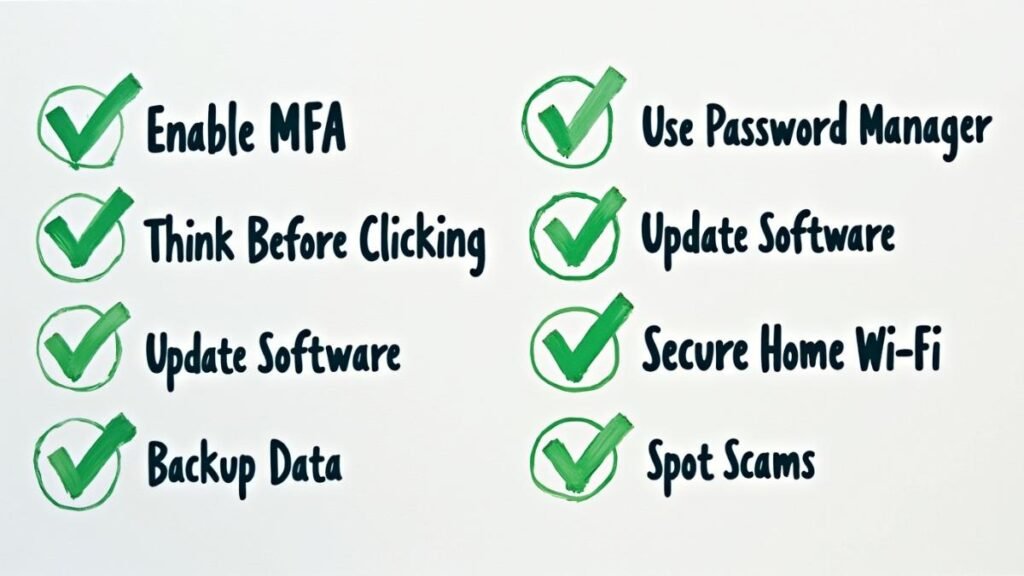
Knowing the threats is the first step. Now, let’s build your defense. These seven actions will significantly improve your personal security posture.
Step 1: Master Multi-Factor Authentication (MFA)
Multi-Factor Authentication (MFA) adds a second layer of security to your accounts. Even if someone steals your password, they can’t log in without a second piece of information, like a code sent to your phone or generated by an authenticator app. Enable MFA on every account that offers it, especially for email, banking, and social media.
Step 2: Use a Password Manager (And Create Strong Passwords)
A password manager is a secure application that creates and stores unique, complex passwords for all of your accounts. You only need to remember one master password to access your vault. This solves the problem of reusing weak passwords. A strong password is long (at least 12 characters) and includes a mix of uppercase letters, lowercase letters, numbers, and symbols.
Step 3: The “Think Before You Click” Rule for Links and Attachments
Be skeptical of any unsolicited email or message that asks you to click a link, download a file, or provide personal information. Hover your mouse over links to see the actual web address before clicking. If an email from a known contact seems strange, verify it with them through a different communication channel.
Step 4: Keep Everything Updated—Your OS, Browser, and Apps
Enable automatic updates whenever possible. This is one of the simplest and most effective ways to protect yourself from known vulnerabilities. Don’t ignore those “update available” notifications.
Step 5: Understand and Secure Your Home Wi-Fi Network
Your home network is the gateway to all your devices. Secure it by:
- Changing the default administrator username and password on your router.
- Using a strong encryption protocol like WPA3 or WPA2.
- Giving your network a name (SSID) that doesn’t reveal personal information.
Step 6: Perform Regular Backups of Your Important Data
A backup is a copy of your files stored in a separate location, either on an external hard drive or in the cloud. Regular backups are your best defense against ransomware. If your files are encrypted, you can restore them from your backup without paying a cent.
Step 7: Recognize the Signs of a Scam
A common mistake I see is people falling for scams that create a false sense of urgency. Watch out for these red flags:
- Threats that your account will be closed.
- Promises of prizes or money.
- Poor grammar and spelling.
- Requests for personal information.
Essential Tools for Your Cybersecurity Toolkit
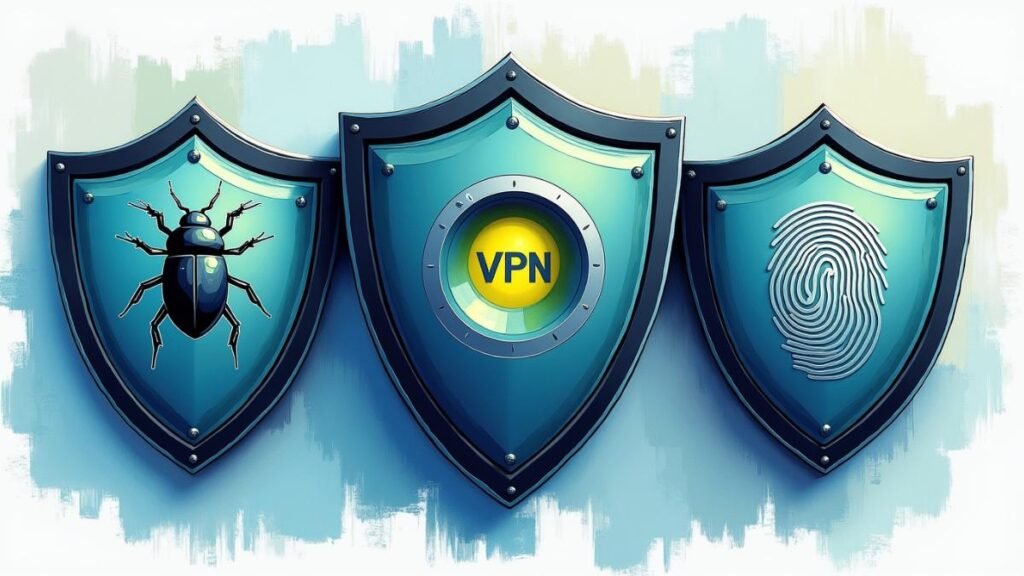
While good habits are your first line of defense, the right tools provide critical layers of protection.
| Tool Type | Primary Function | Why You Need It |
|---|---|---|
| Antivirus/Anti-Malware | Scans, detects, and removes malicious software from your devices. | Acts as a real-time guard, blocking malware before it can cause damage. Modern solutions protect against a wide range of threats beyond just viruses. |
| Virtual Private Network (VPN) | Encrypts your internet connection and hides your IP address. | Protects your data from being intercepted on public Wi-Fi and enhances your online privacy by masking your location and browsing activity. |
| Secure Browsers & Extensions | Browsers focused on privacy, or extensions that block trackers and ads. | Reduces the amount of data that advertisers and third parties can collect about you, and can block malicious ads that might lead to malware. |
Where Do You Go From Here?
Cybersecurity is a journey, not a destination. The threat landscape is always changing, so continuous learning is key.
Free Resources for Continuous Learning
- CISA (Cybersecurity and Infrastructure Security Agency): Offers tips and resources for the general public.
- StaySafeOnline.org: A resource from the National Cybersecurity Alliance.
- Krebs on Security: An in-depth security news blog for more advanced topics.
Exploring a Potential Career in Cybersecurity
If this topic sparks your interest, the cybersecurity field is growing rapidly and has many different roles, from ethical hacking (penetration testing) to digital forensics. Certifications like CompTIA Security+ are a great starting point for aspiring professionals.
Key Takeaways
- Cybersecurity is about protecting your valuable digital assets by ensuring their confidentiality, integrity, and availability.
- The biggest threats to beginners are often the simplest: phishing, malware, weak passwords, unsecured Wi-Fi, and outdated software.
- Simple, proactive habits are your strongest defense. Enable MFA, use a password manager, update everything, and be skeptical of unsolicited messages.
- Essential tools like antivirus software and VPNs provide crucial layers of automated protection.
Conclusion
Building a strong digital defense doesn’t require a technical degree. It starts with understanding the basic risks and taking consistent, deliberate steps to mitigate them. By implementing the practices outlined in this guide, you are moving from a passive target to an informed and prepared digital citizen. You are taking control of your own security, one step at a time.
What is the first security step you plan to take after reading this guide? Share your commitment in the comments below!
FAQ Section
1. Is free antivirus software good enough? For basic protection, reputable free antivirus software from well-known brands is much better than nothing. However, paid versions typically offer more advanced features, such as ransomware protection and web filtering, which provide more comprehensive security.
2. Do I really need a VPN at home? While a VPN is most critical on public Wi-Fi, using one at home can still enhance your privacy. It prevents your Internet Service Provider (ISP) from tracking your online activity and can help bypass geo-restrictions for content.
3. If I use MFA, does my password strength still matter? Yes. While MFA is a powerful safeguard, no single defense is perfect. A strong, unique password remains a critical layer of your security. If an attacker finds a way to bypass MFA, a weak password will provide no resistance.
4. How often should I back up my data? It depends on how often your data changes and how much you are willing to lose. For important documents that change frequently, a daily or weekly backup is recommended. For personal files like photos, a monthly backup might be sufficient.
5. Can I get hacked even if I do everything right? Unfortunately, yes. Determined attackers with enough resources can breach even well-defended targets. However, following security best practices makes you a much less attractive and more difficult target. The goal is to make the effort required to hack you not worth the reward.
